20250506
1. Batch Import of "Revenue Recognition Application"
The "Revenue Recognition Application" supports the import of multiple orders through Excel.
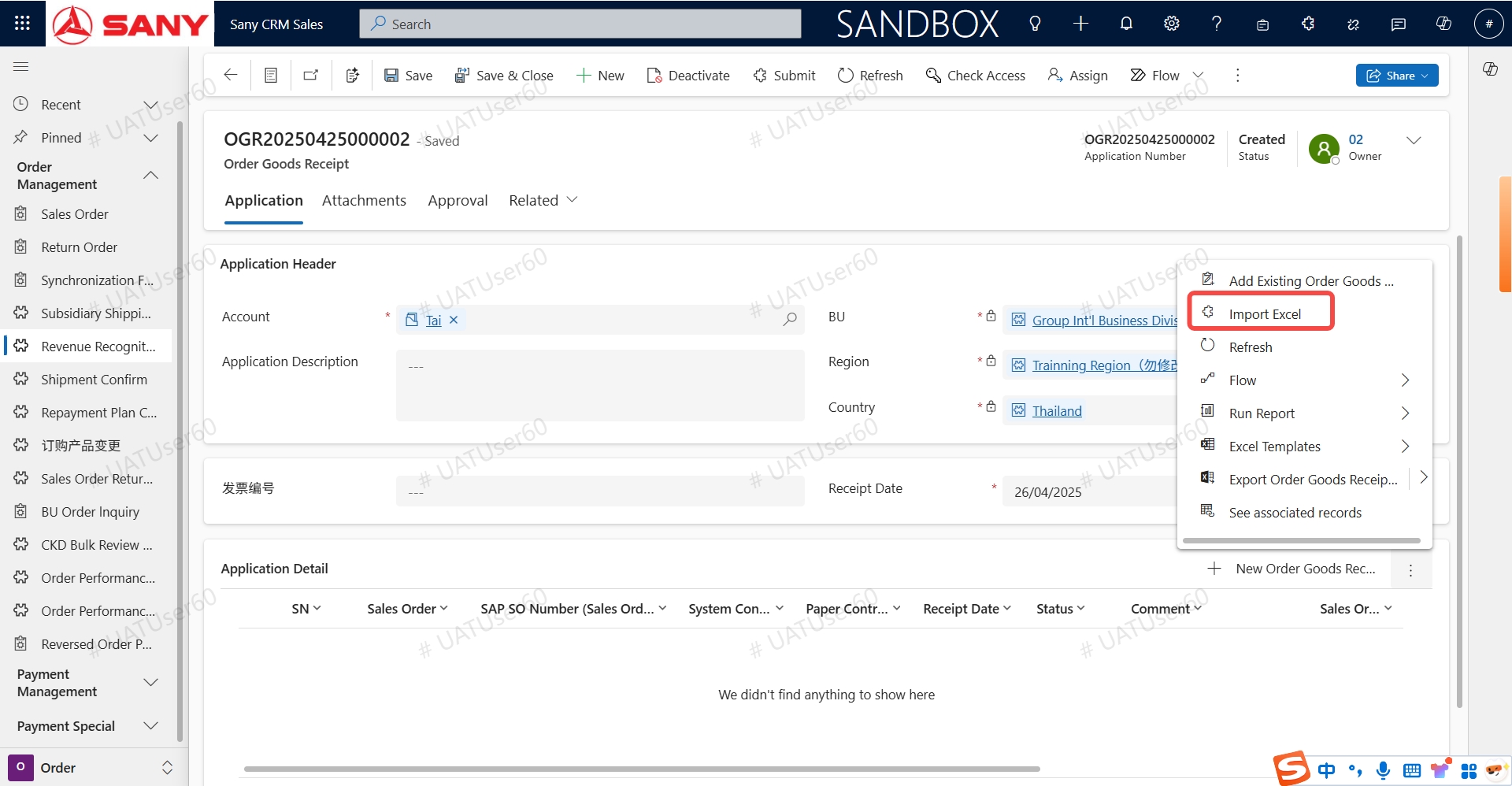
- Select "Import Excel" in the application details.
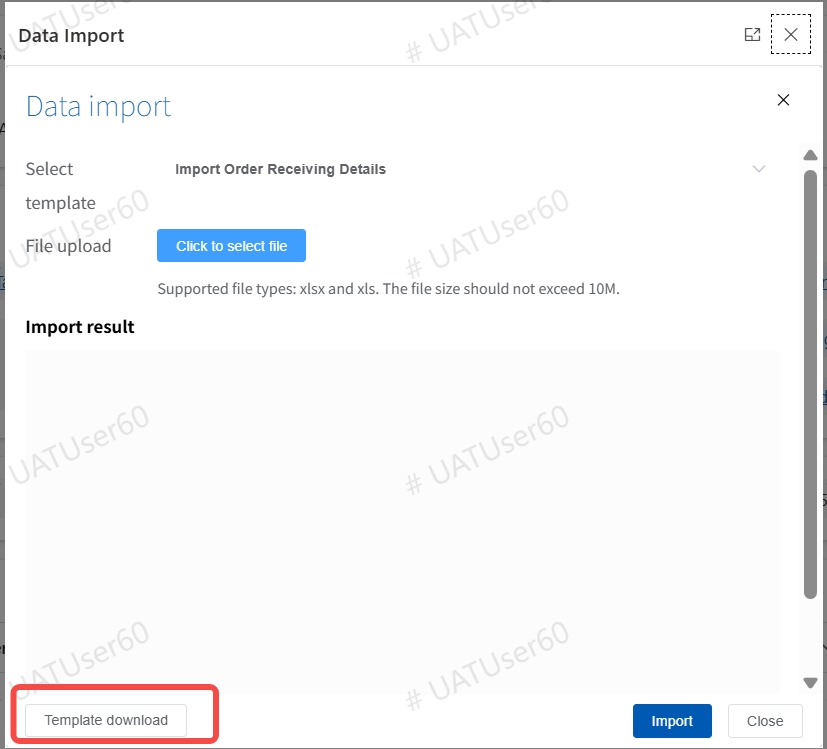
- Select "Template Download" in the pop- up window.
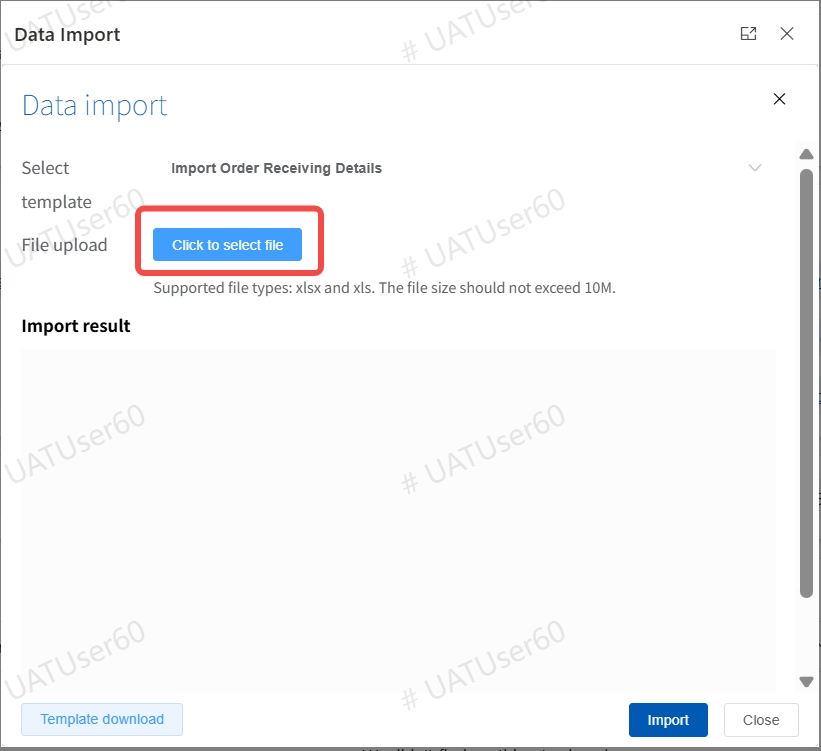
- Fill in the SAP sales order number (starting with 2) and the receipt date of the customer in the downloaded template, and then save it.
- Upload the file and import it.
2. Customer Process Adjustment
- Customer Freeze a. It is necessary to fill in the "Freeze/Unfreeze Instruction". b. When there are outstanding payments or overdue payments, financial freezing is not allowed.
- Customer Unfreeze
It is necessary to fill in the "Freeze/Unfreeze Instruction".
- Conversion to Regular Status
It is necessary to fill in the "Application Instruction".
- Key Information Change
a. When changing the registration number, tax number or personal identification number, relevant supporting materials need to be uploaded. b. For the modification of the second responsible person and the first responsible unit of formal customers, the "Key Information Change" process needs to be followed. c. It is necessary to fill in the "Application Instruction".
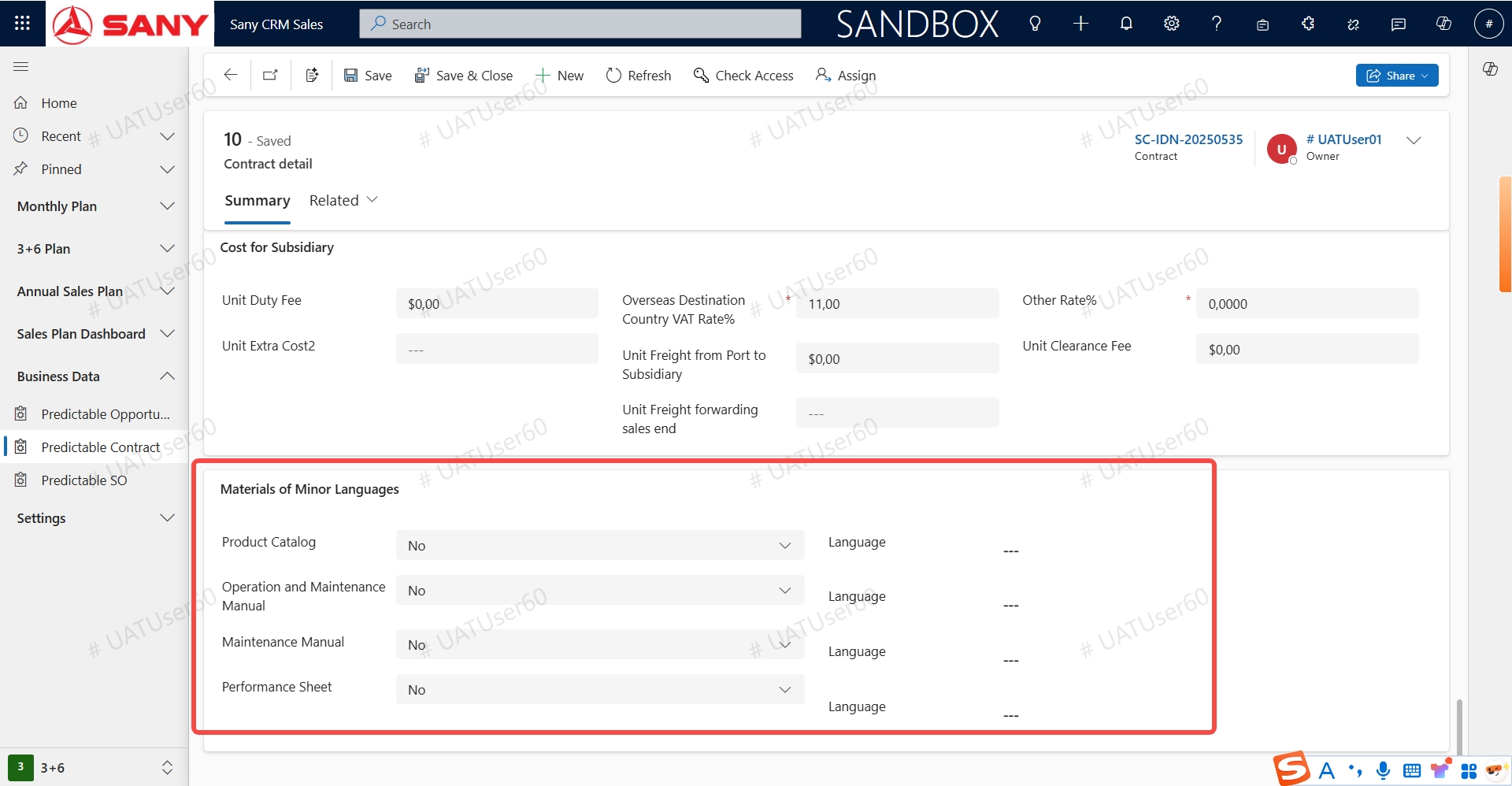
3. Selection of Contract Documents in Minor Languages
The language of the documents in minor languages can be selected in the contract product line.
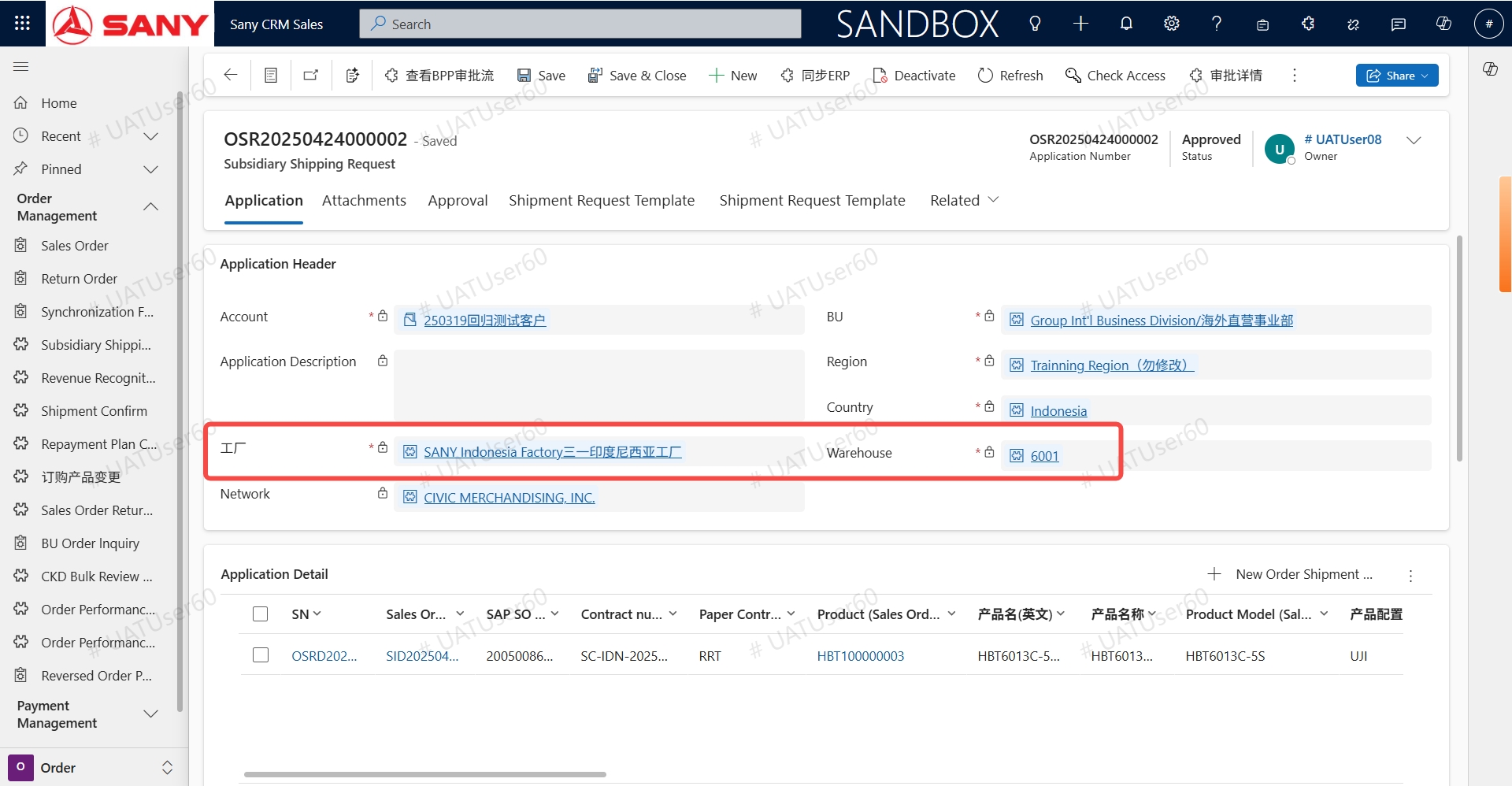
4. For the "Subsidiary Shipment Application", the factory and Warehouse location must be filled in.