Claim Order
Claim Order
Path1:Dealer Portal --> Field Service --> Repair Management --> Repair Order Path2:Dealer Portal --> Field Service --> Claim --> Claim Order
Create
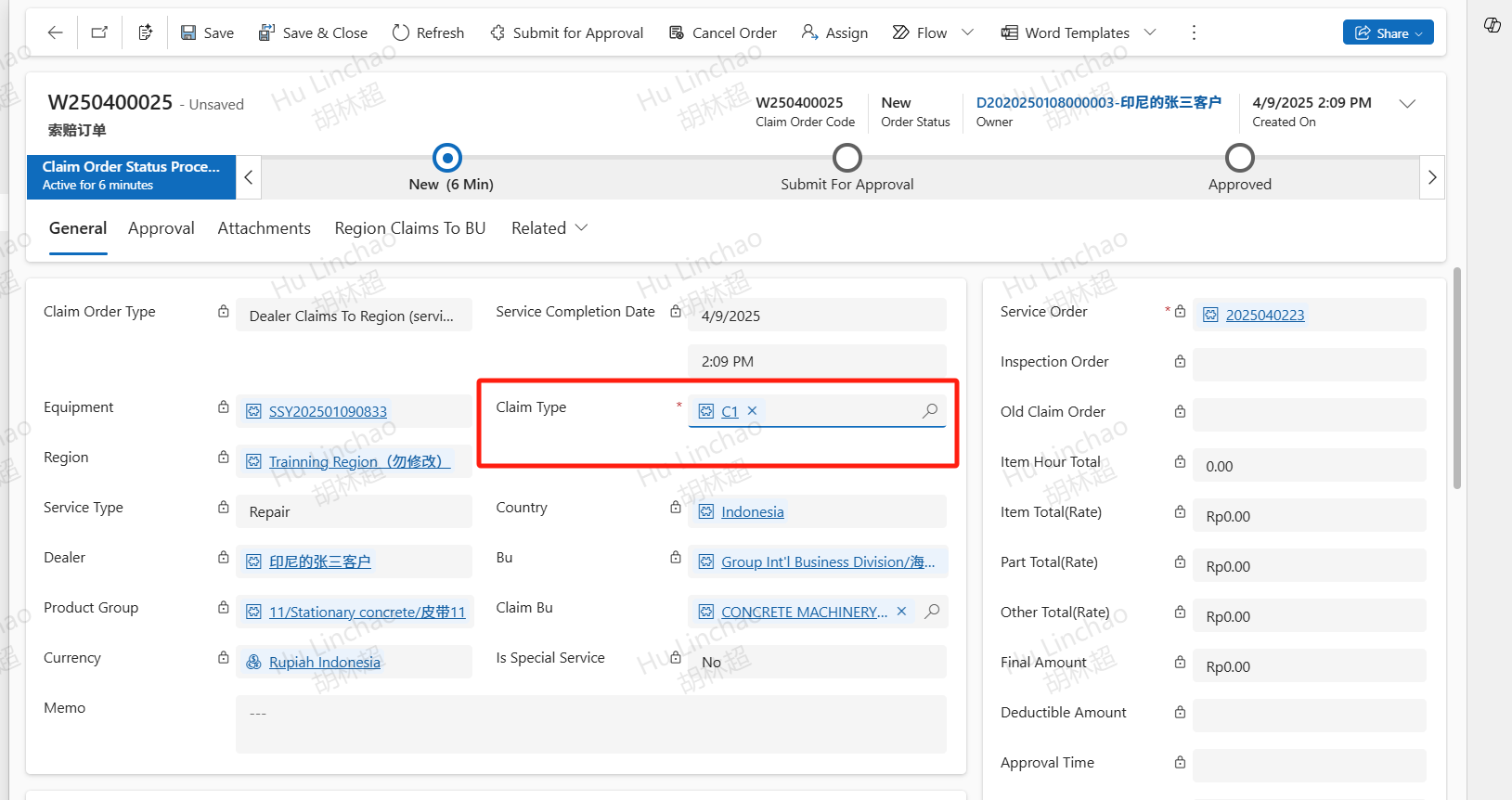
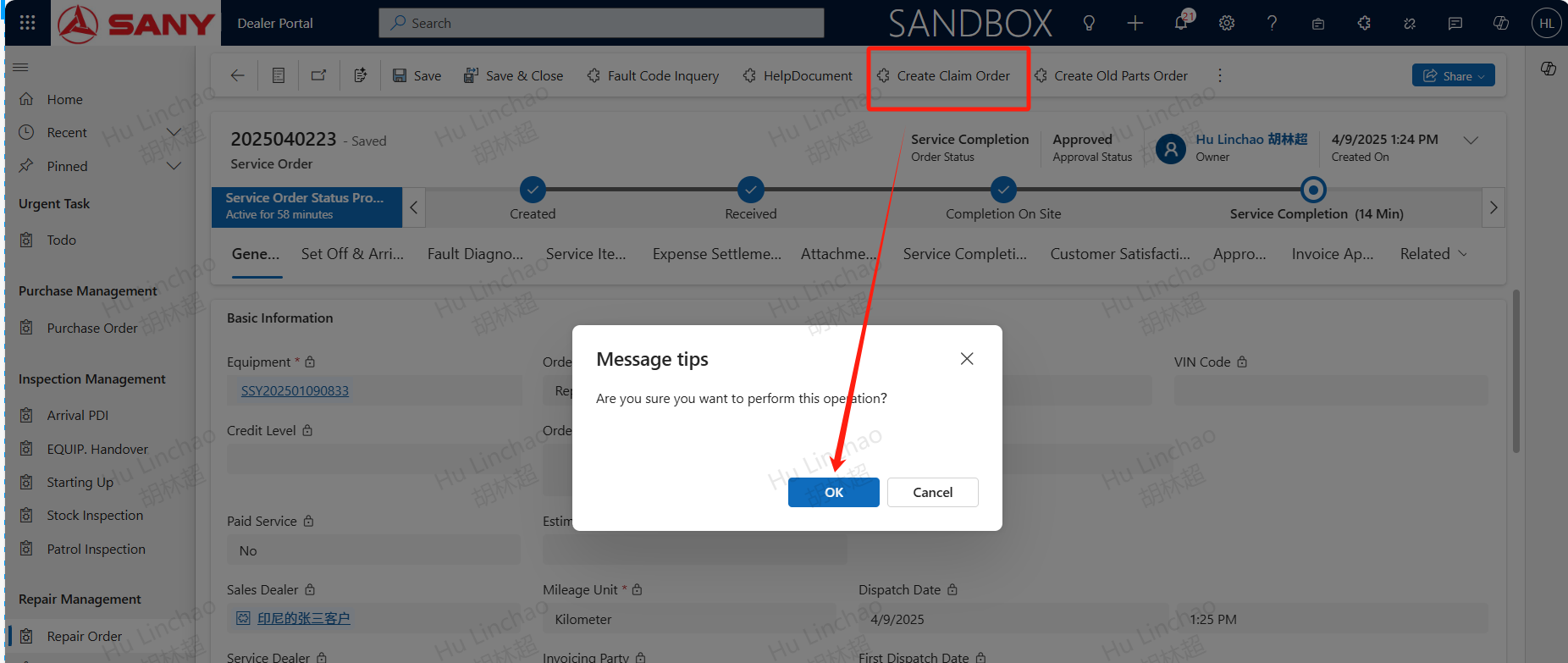
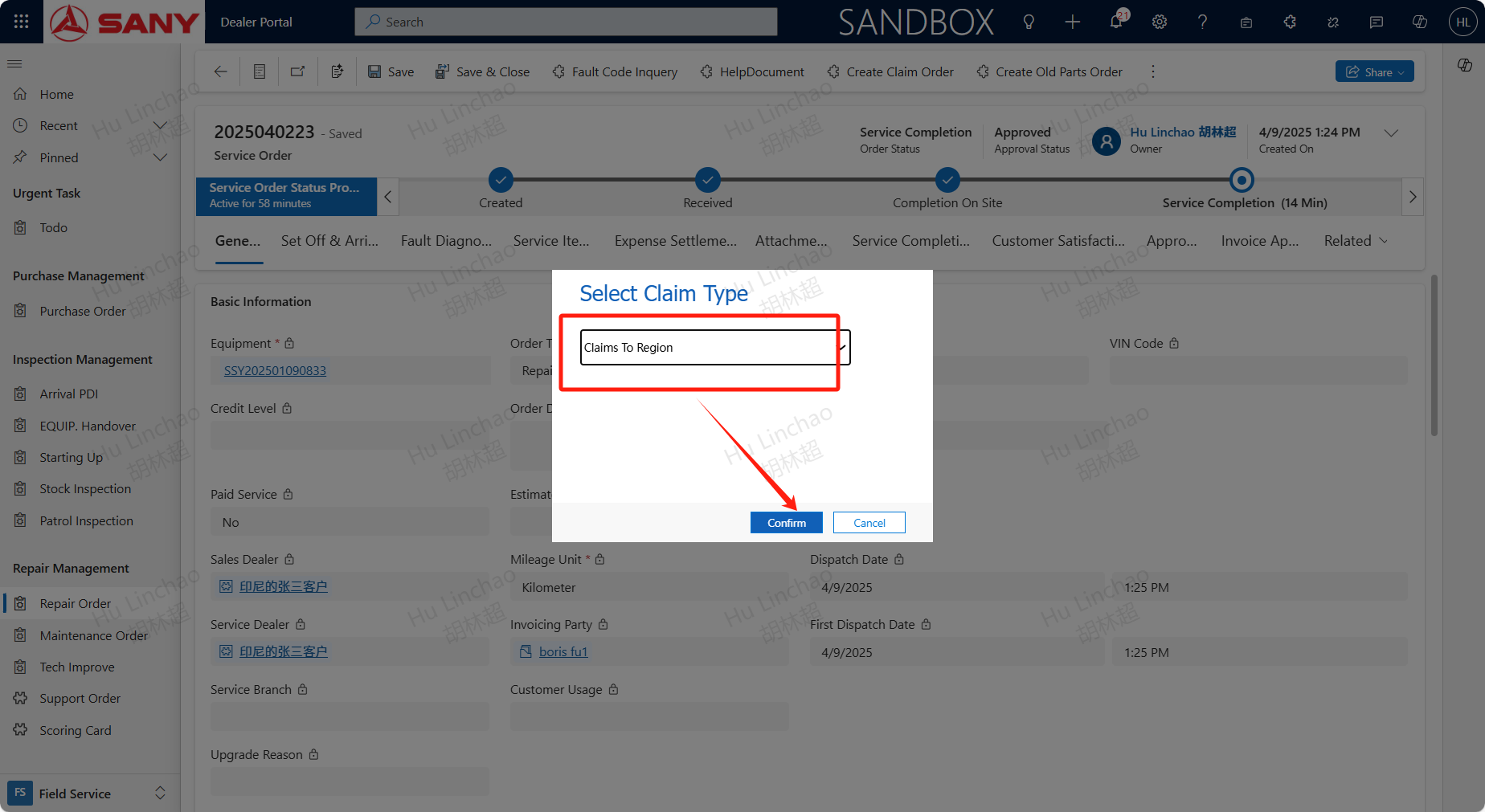
For orders that have already Service Completion, if a claim needs to be initiated, click the Create Claim Order button to create a claim order. The claim type is Claims To Region;
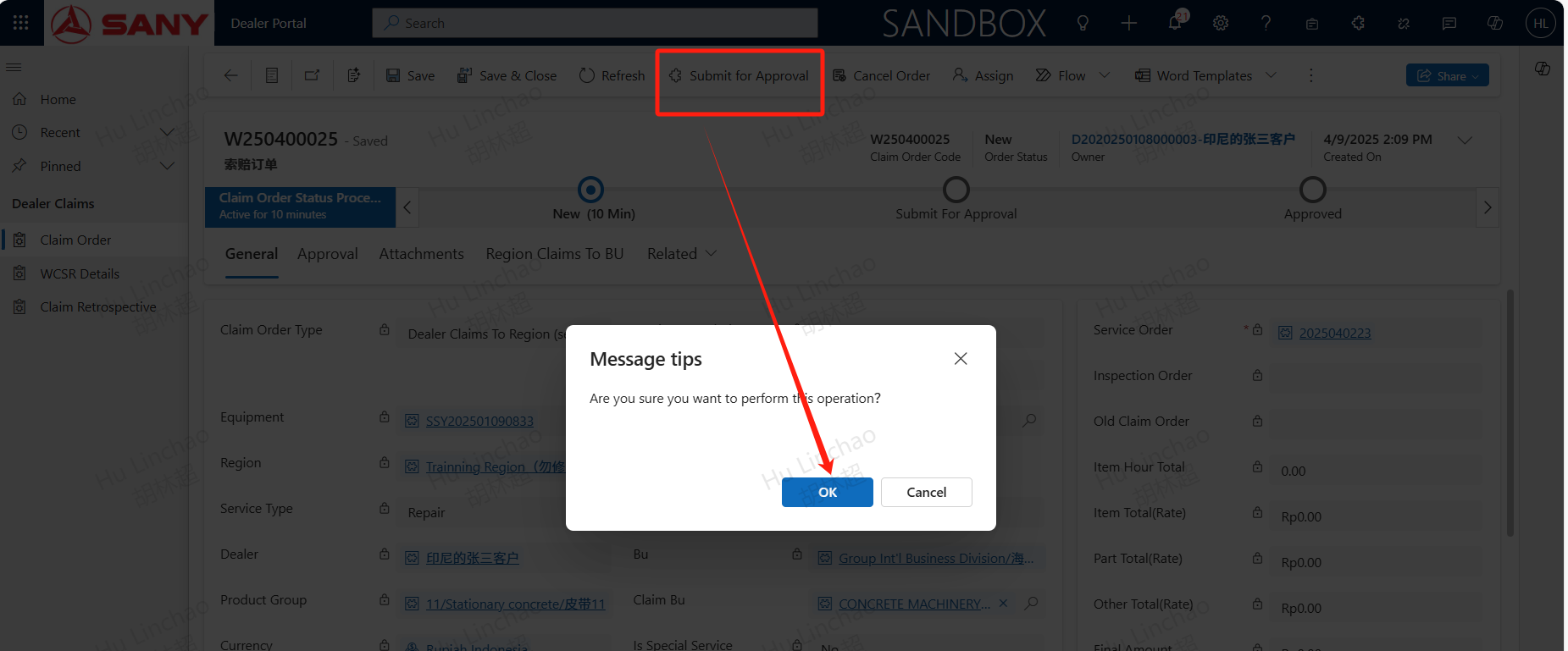
Submit for approval
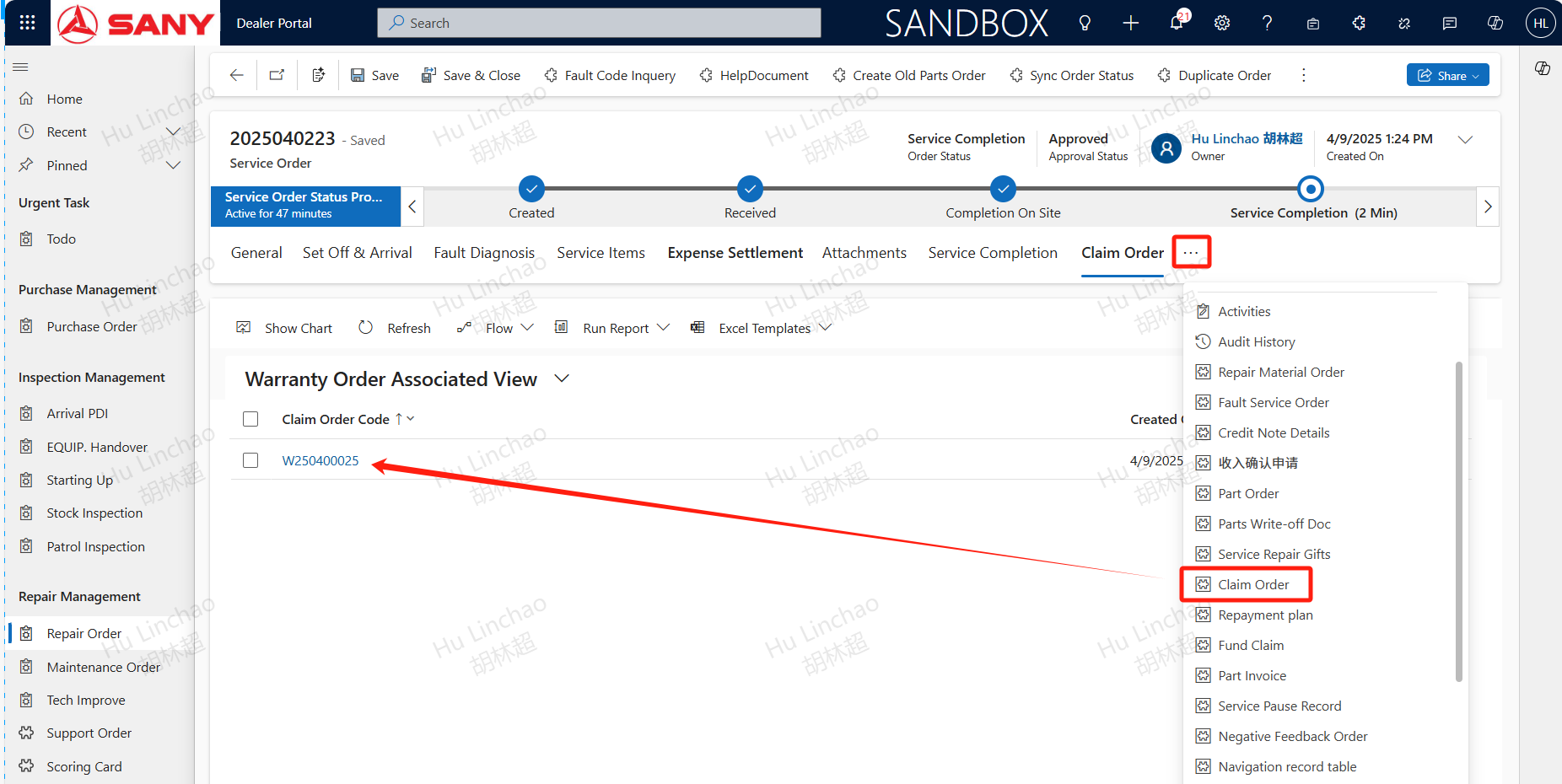
The information after creating a claim order is carried over from the service order. Find the created claim form in the relevant section and click to open it
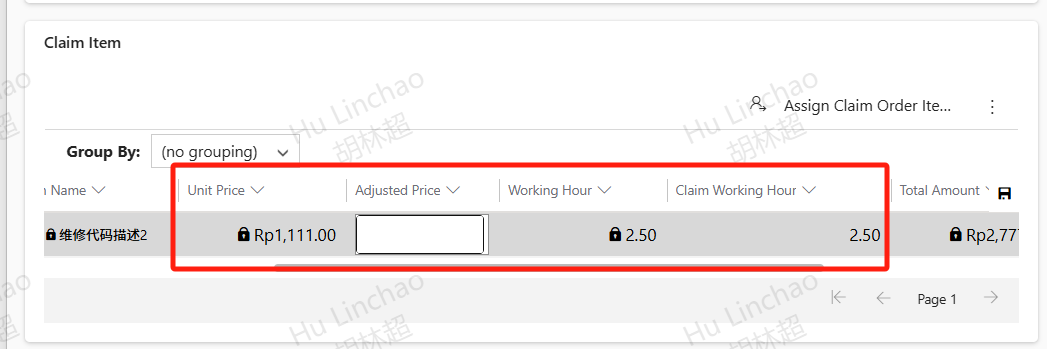
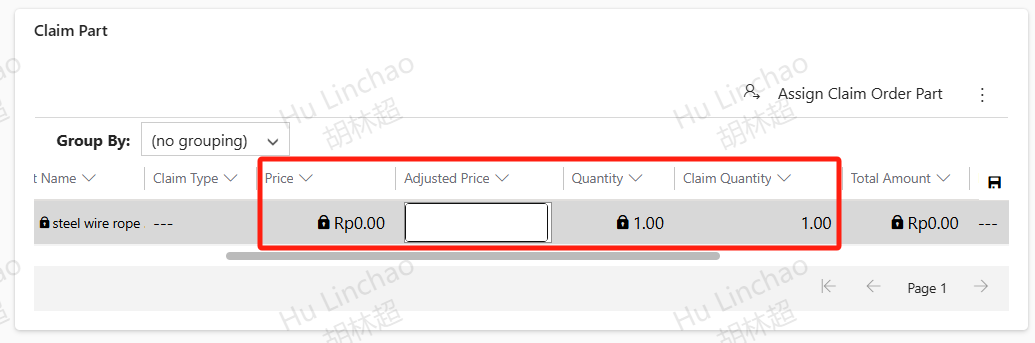
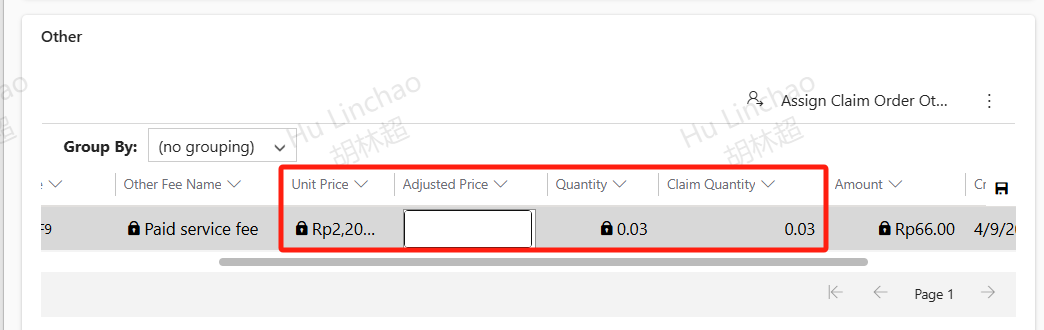
Select the claim type, check the claim items, claim part, and other; For projects that require claims, if the claim price is incorrect, enter the adjusted price (i.e. claim price) and claim quantity, confirm that all claim information is correct, and submit for approval;