Equipment
Equipment Profiles
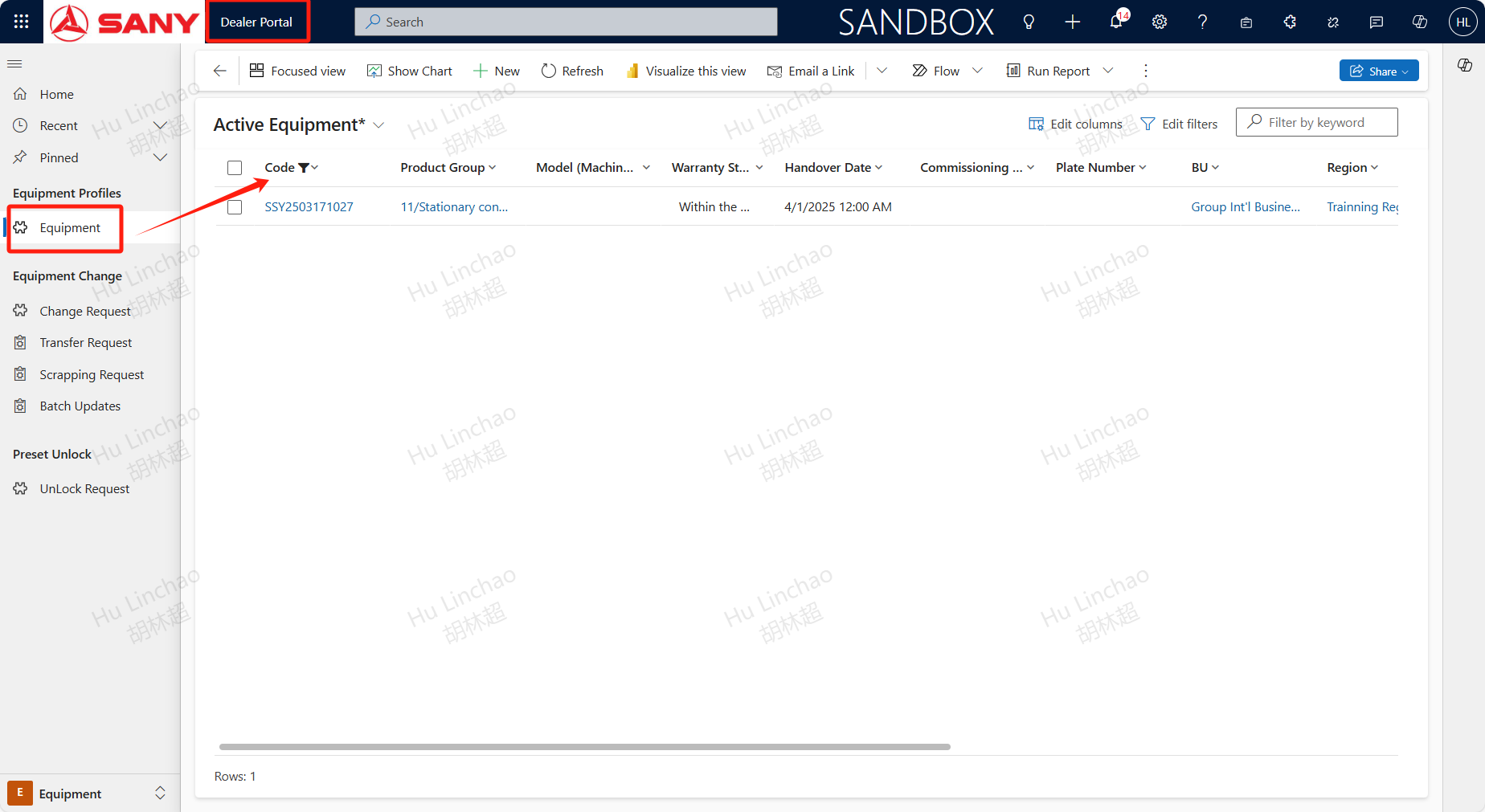
Path: Dealer Portal --> Equipment --> Equipment Profiles --> Equipment
Active Equipment
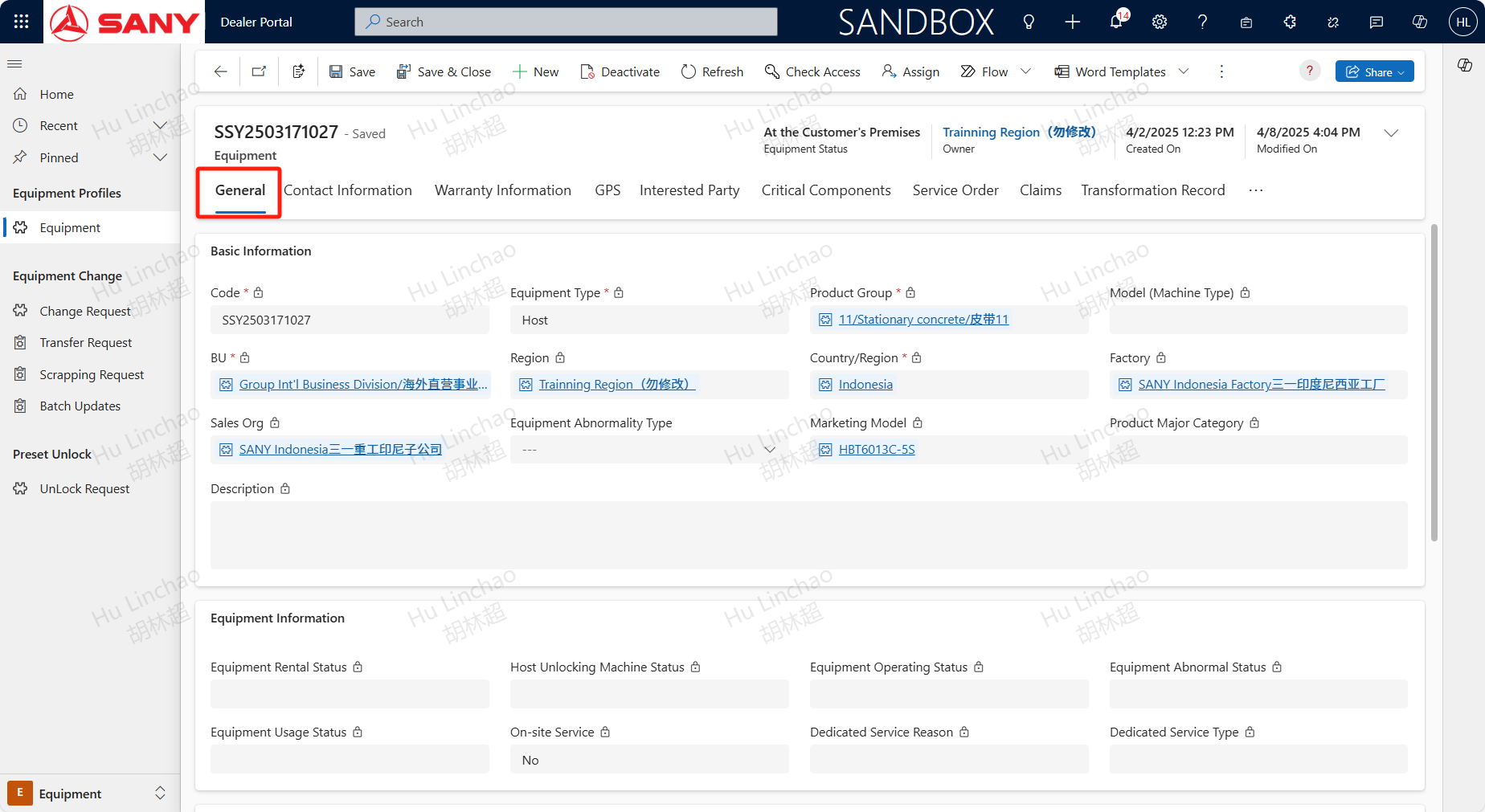
Open Dealer Portal,switch to Equipment menu,enter the Code and double click to view more details.
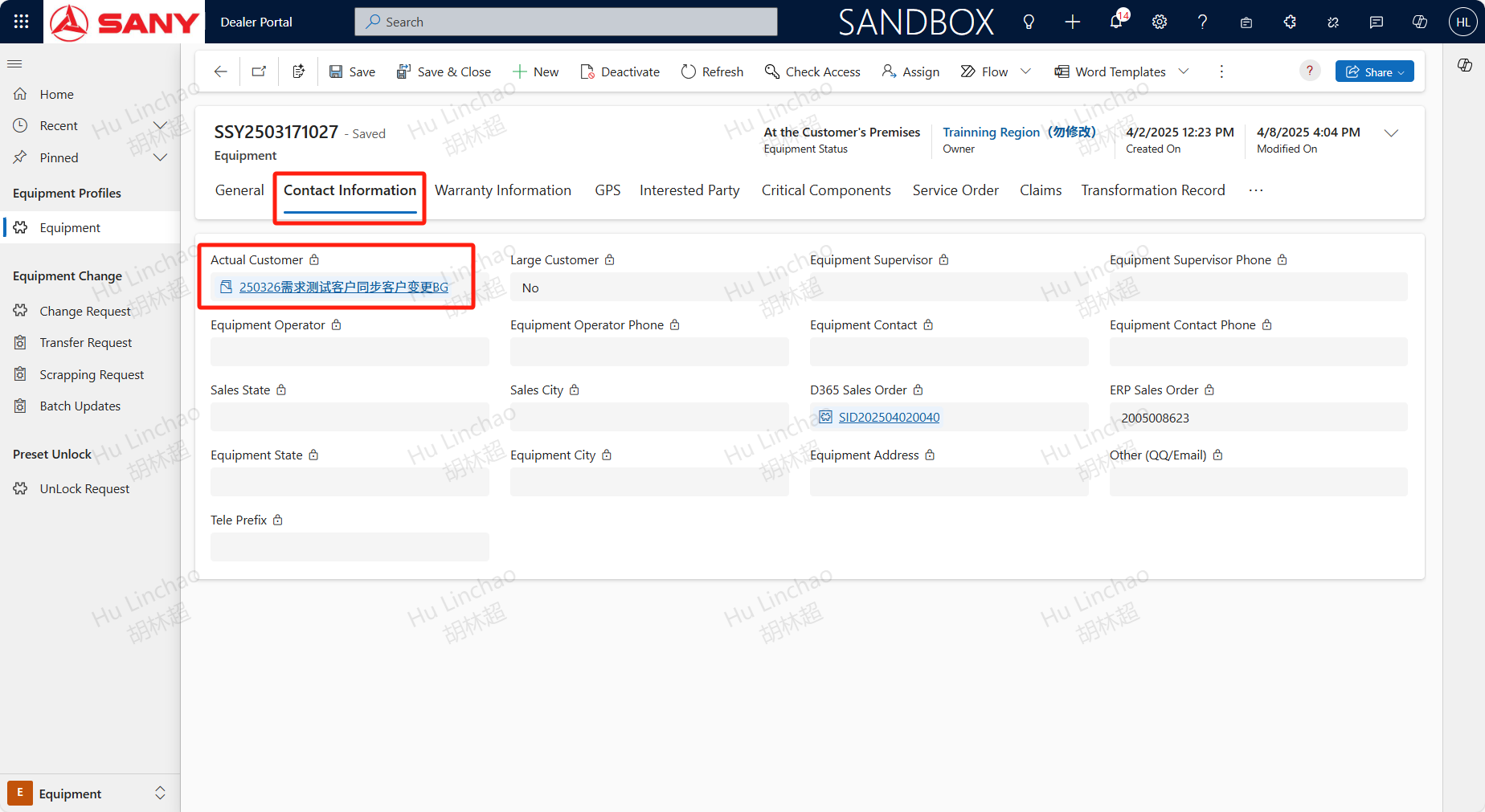
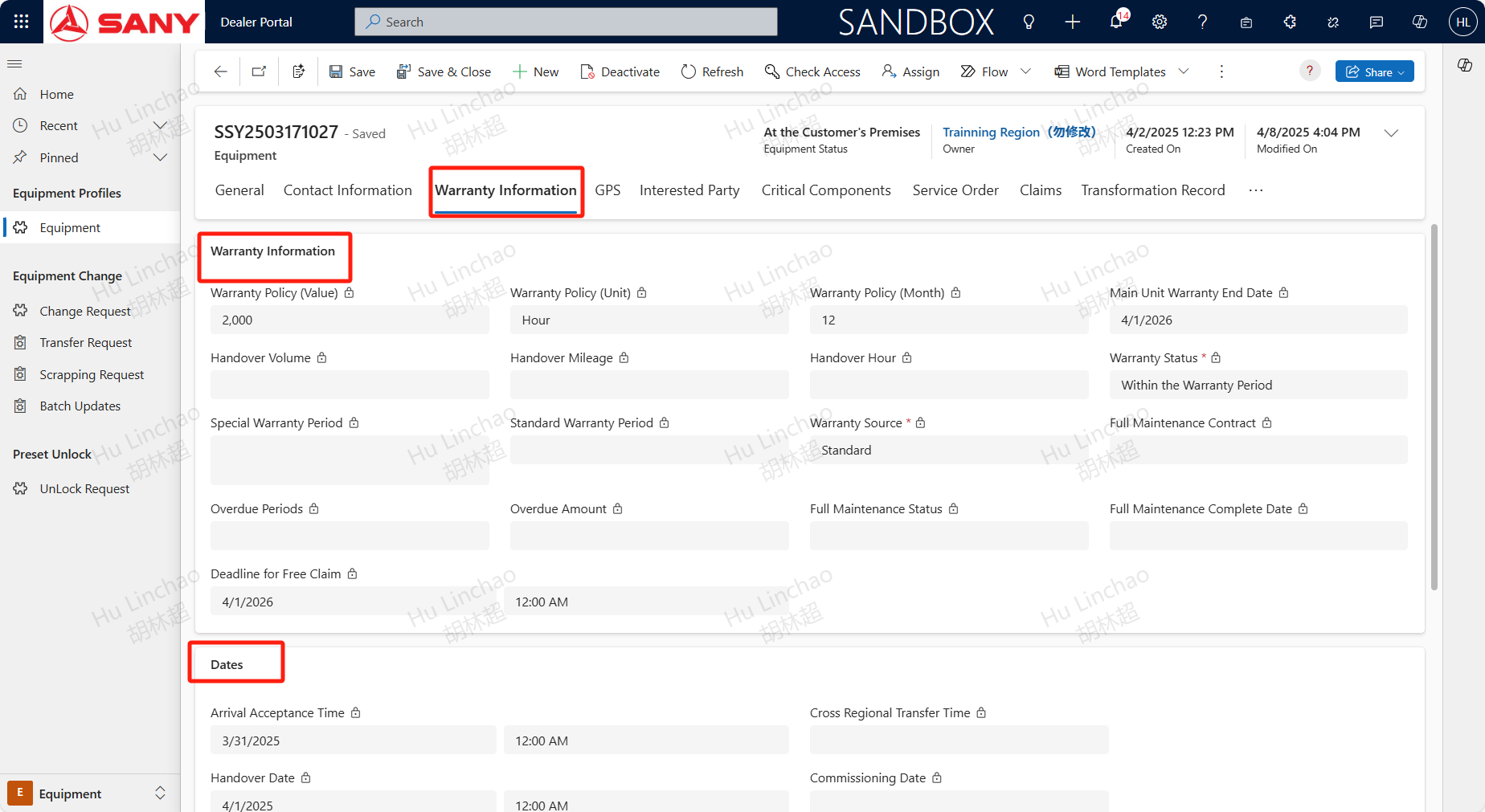
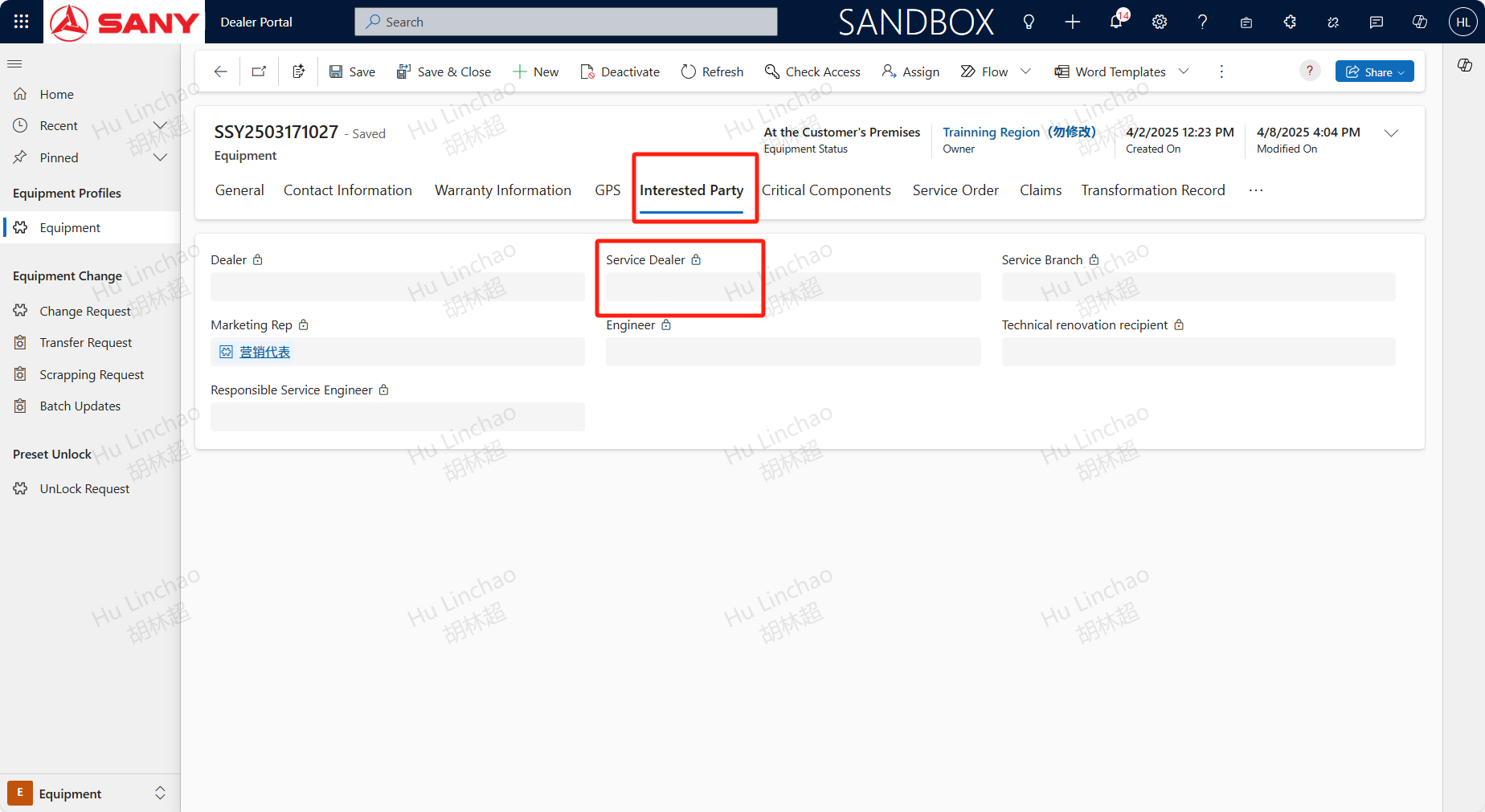
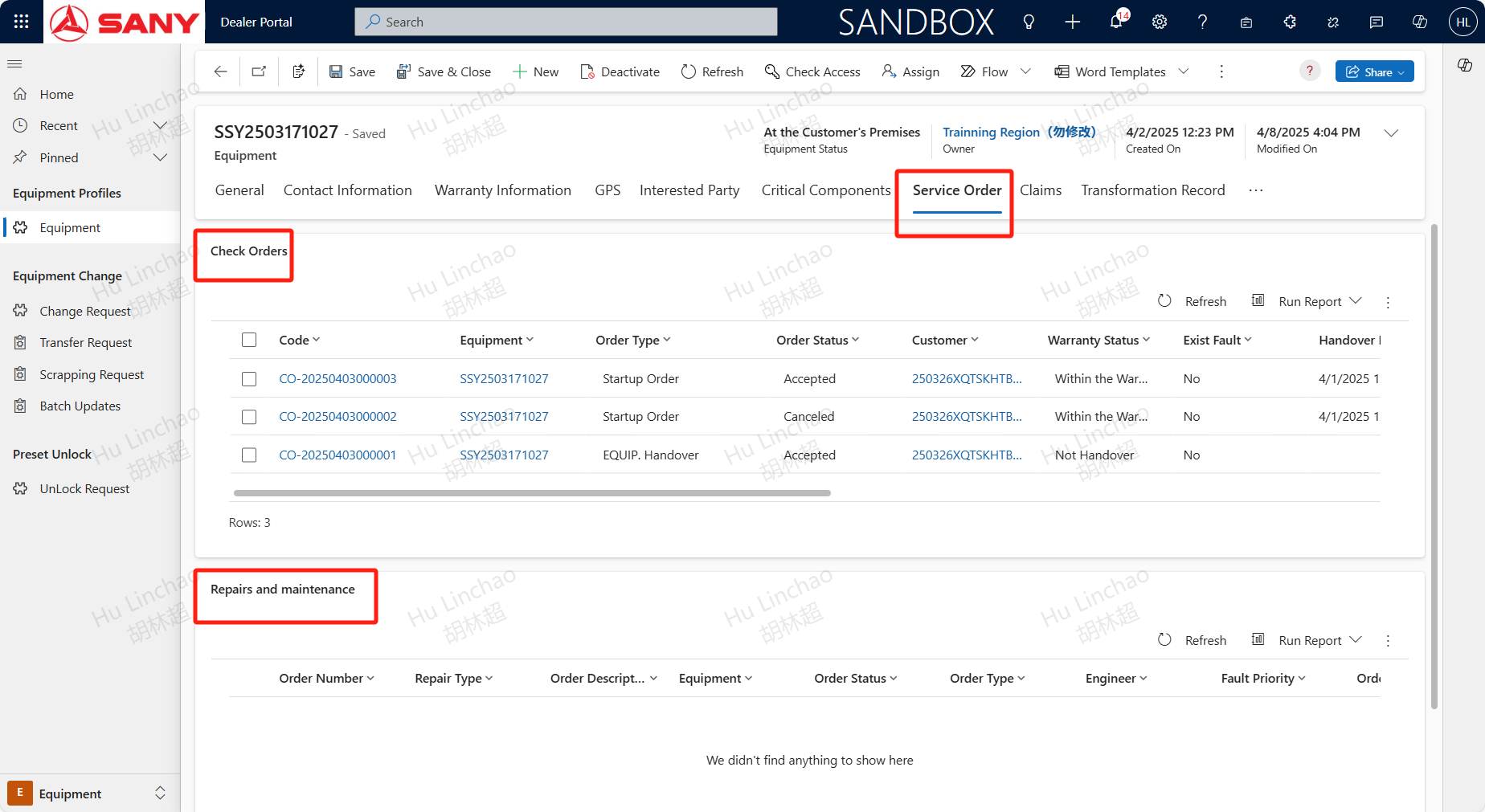
In the device information, the General tab can view information such as the Region of the equipment,the Contact Information tab can view information such as the Actual Customer of the device, the warranty information tab can view information such as the device's Warranty Status and Arrival Acceptance Time, and the Interested Party tab can view the Service Dealer Dealer can only view their own devices; The service order tab allows you to view information such as service orders that have been initiated by the device;