EmergencyPartsSyncRequest
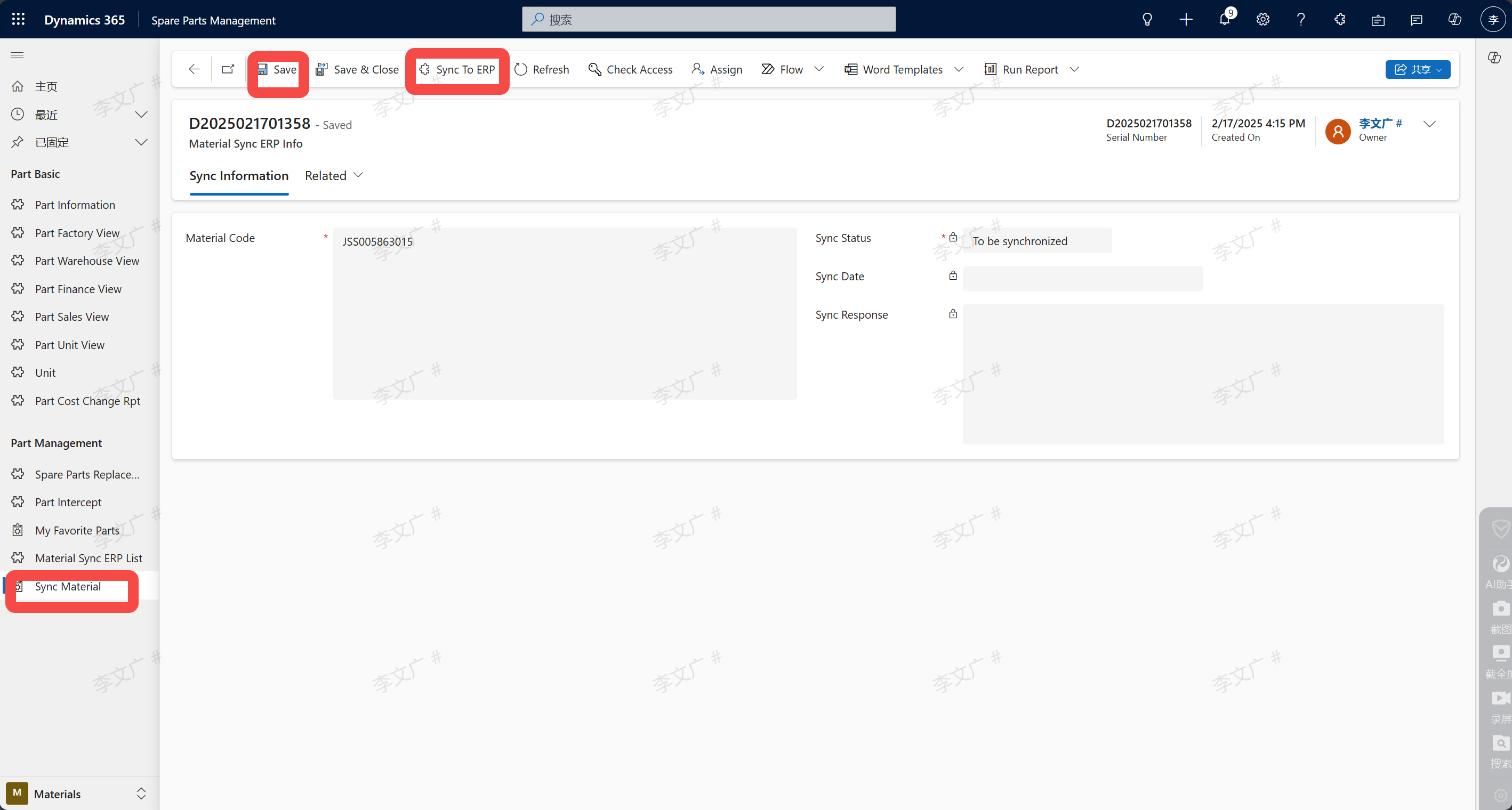
Input path: Input by the person in charge of Parts in the system: Spare Parts Management --> Materials --> Emergency synchronization application for parts
EmergencyPartsSyncRequest
the emergency synchronization application in the accessories module, enter the material number and click Save, and then click Sync, and wait until the synchronization is successful