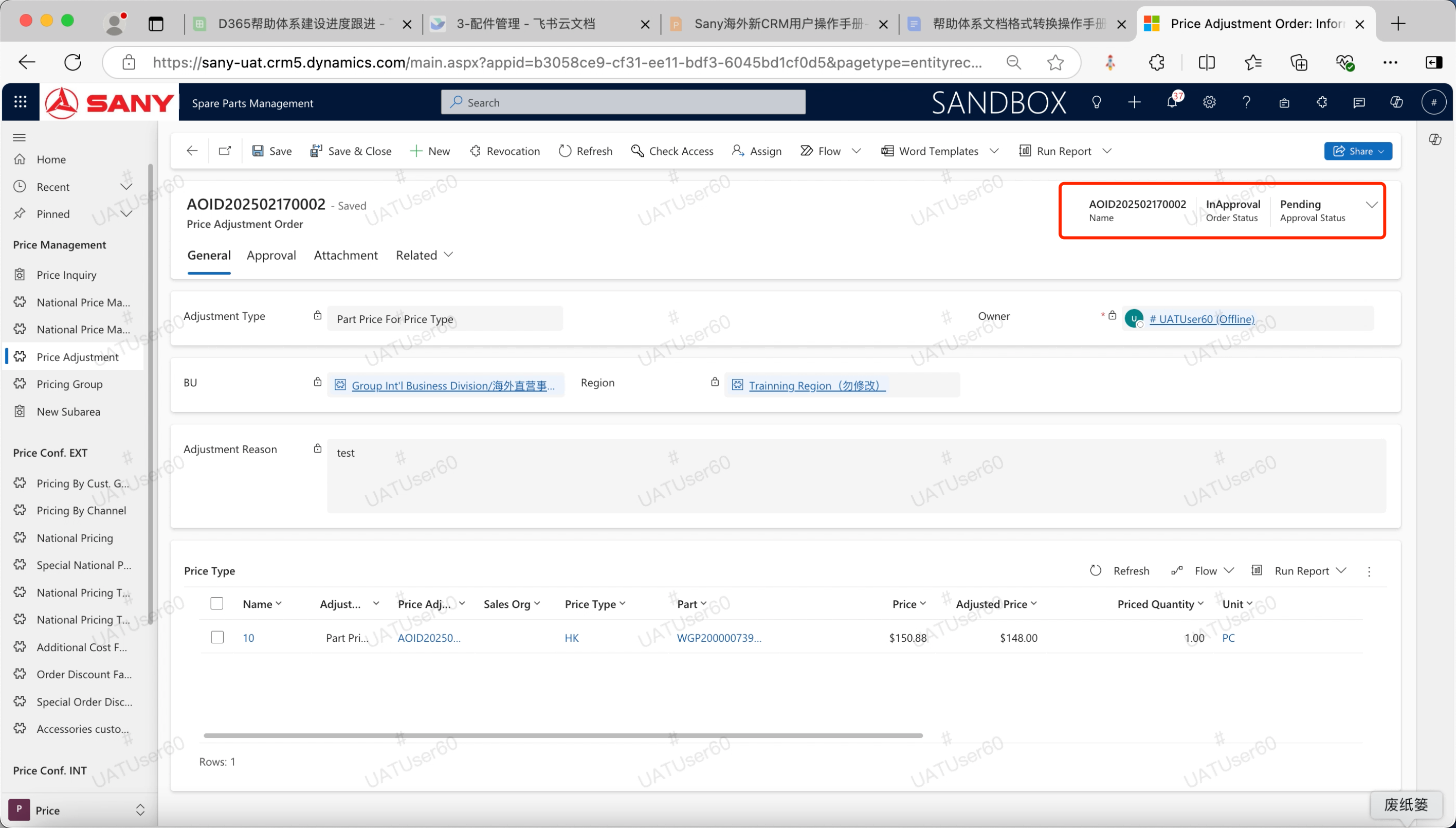
Price adjustment request
Input path: Spare Parts Management --> Price --> Price adjustment application
Create a Price adjustment request
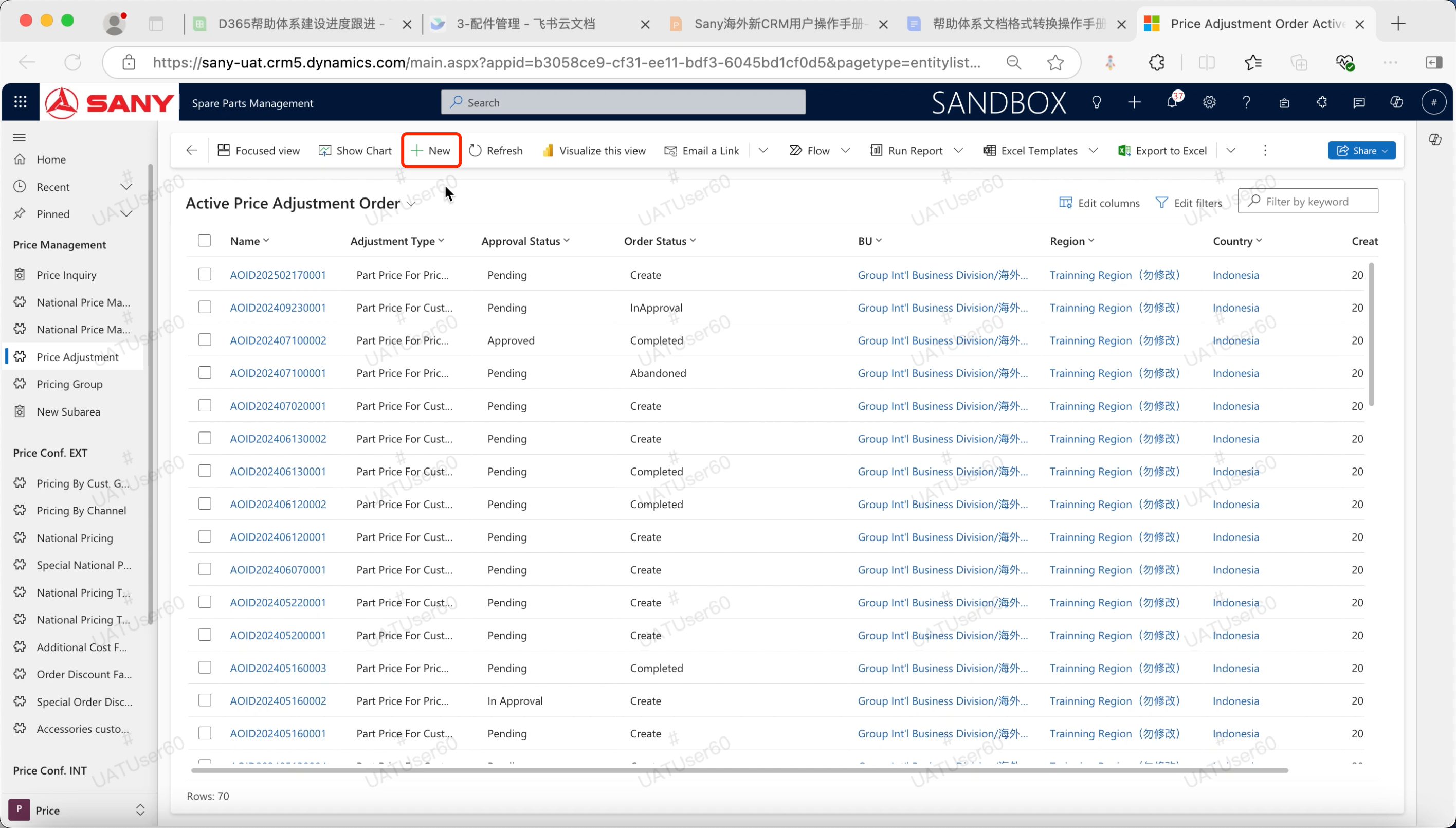
Click "Price" - "" Price adjustment request" menu, click [New] button to open the price adjustment details page.
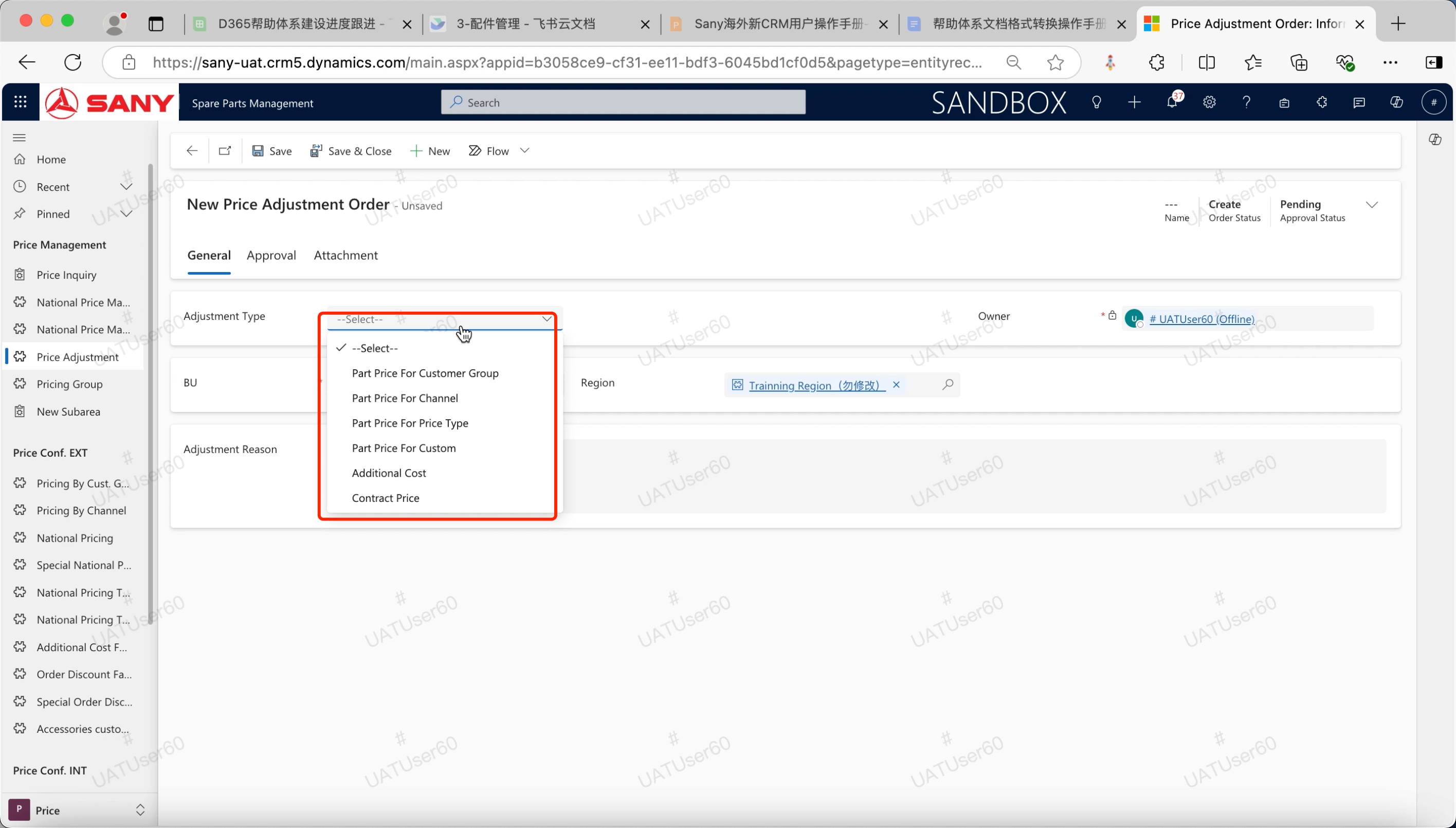
After entering the "Adjustment type", click the "Save" button to save.
If "Adjustment type" selects "Customer group price", the adjustment is based on customer group pricing;
If "Adjustment type" selects "distribution channel price", the adjustment is based on distribution channel pricing;
If "adjustment type" selects "General national price", it is to adjust the general national price;
If the "adjustment type" selects "Personalized customized price", it is to adjust the special country price;
If "Adjustment type" selects "additional cost", it is to adjust the subsidiary markup factor;
If "Adjustment Type" selects "Contract price", the customer's contract price is adjusted.
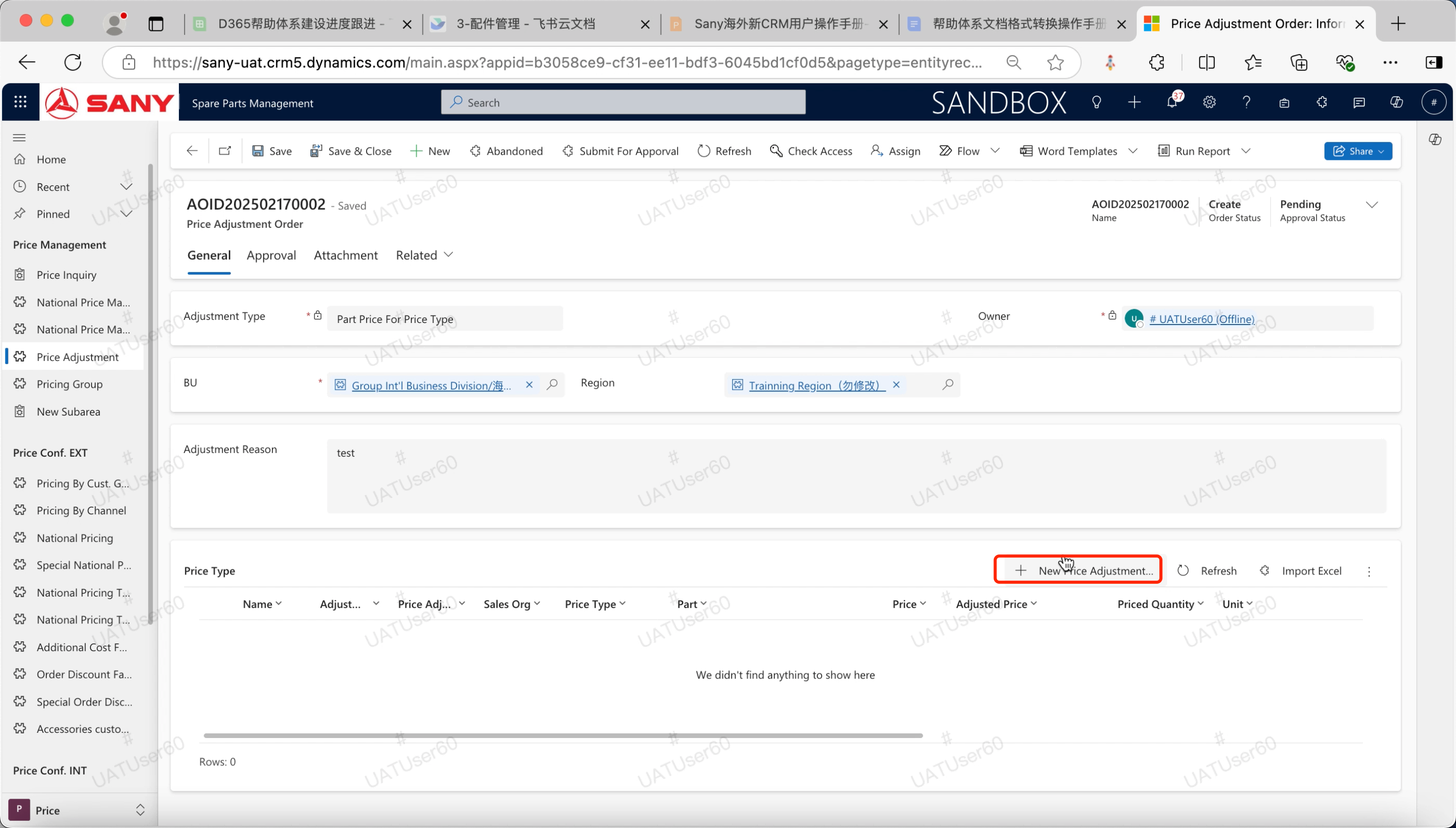
Click New Price Adjustment Detail to adjust prices
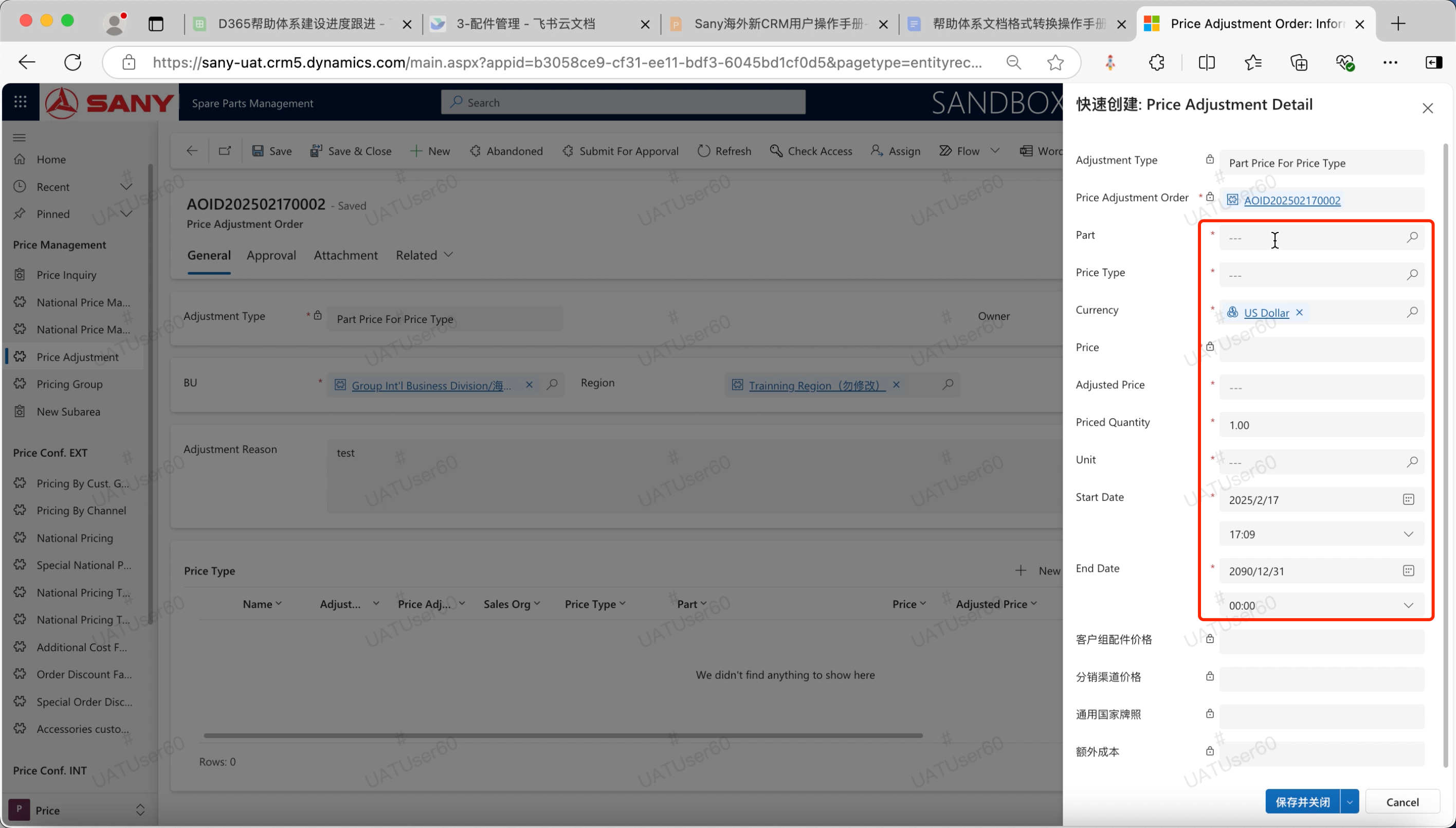
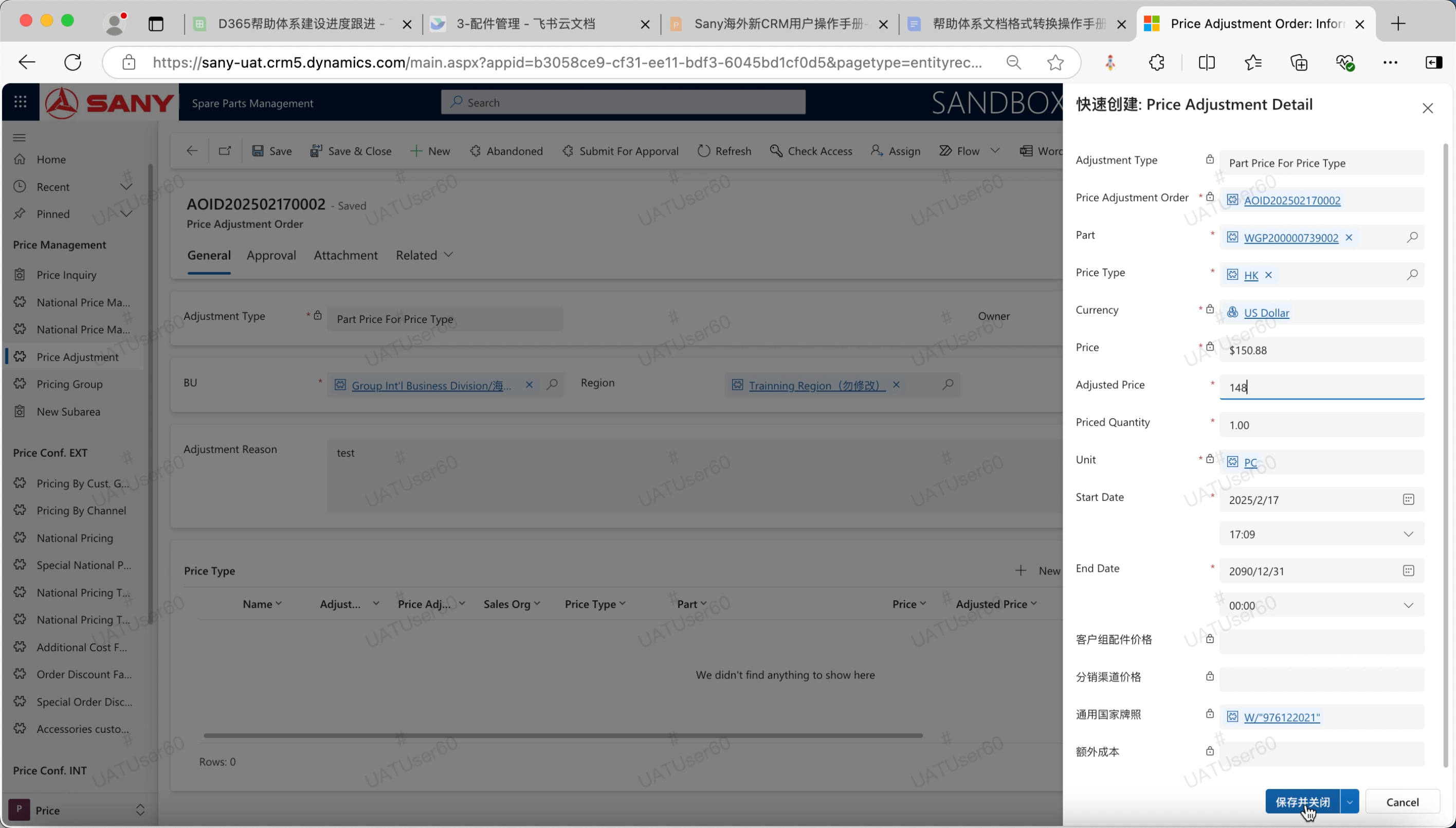
Complete the information required by the system prompt
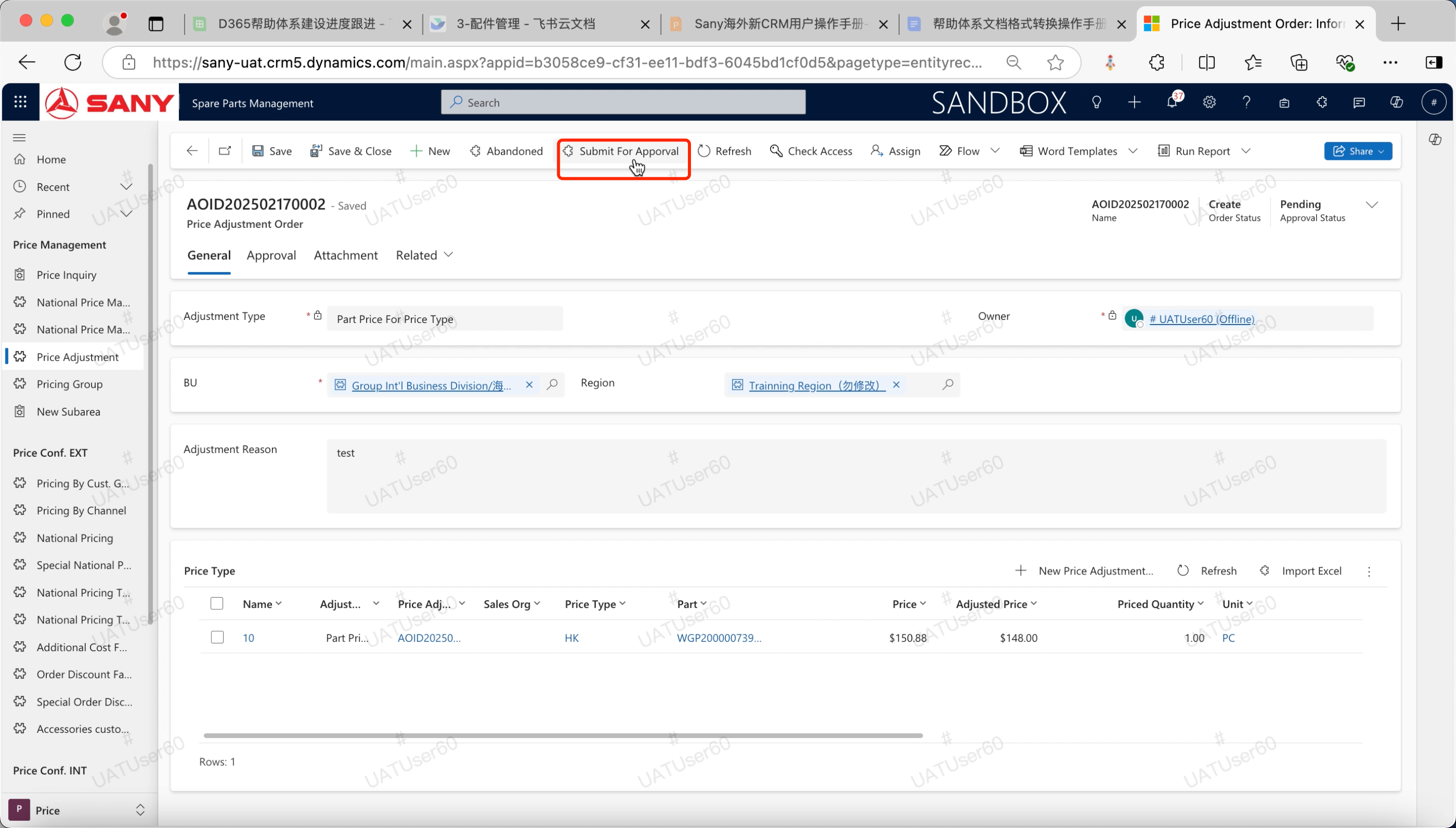
Click the "Submit for approval" button to initiate the approval;