Create Quotation
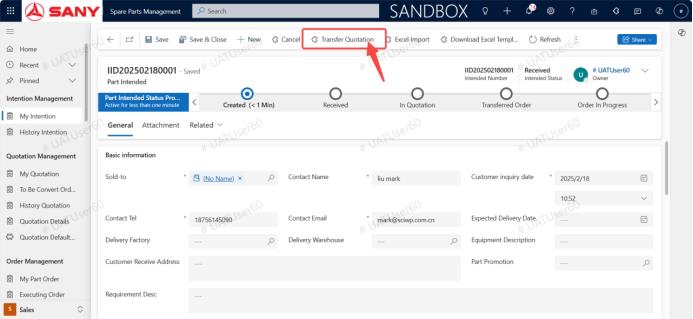
Input path: Spare Parts Management--> My Intention Sheet --> Transfer quotation Sheet
Click forward quotation
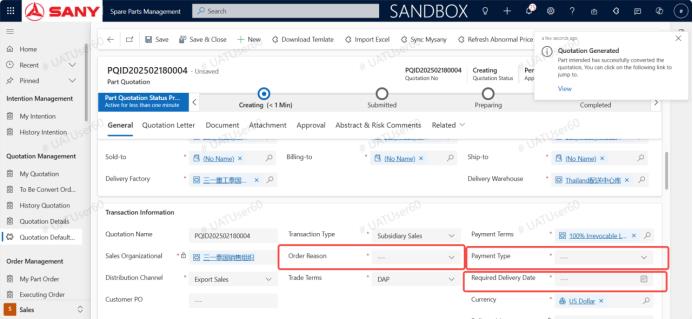
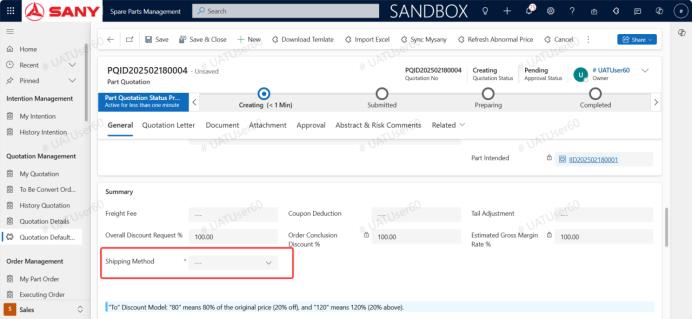
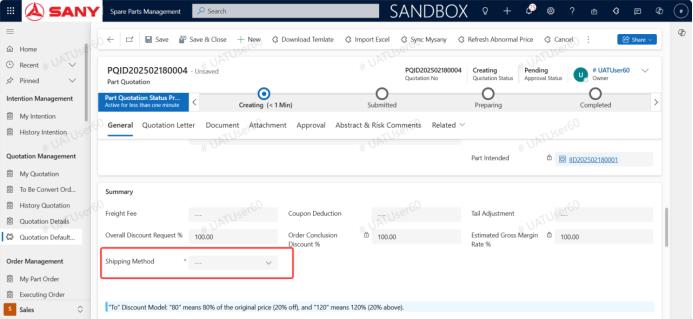
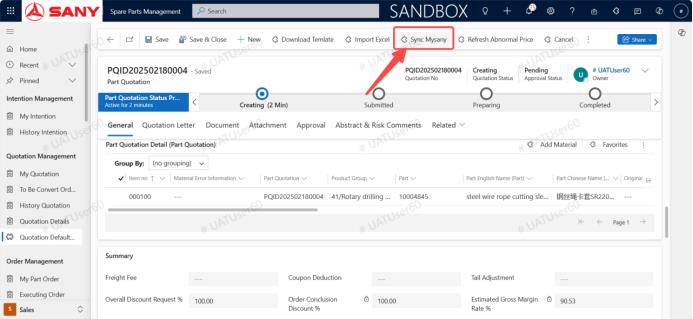
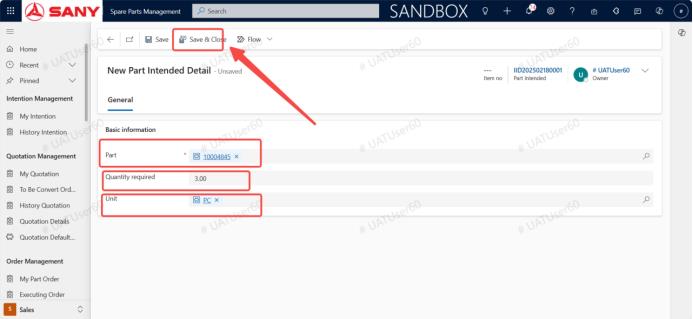 After the quotation is generated, fill in the required fields, order reason, payment method, required delivery date, shipping method, click Sync mysany, and then click Submit for approval
Add attachments to the quotation
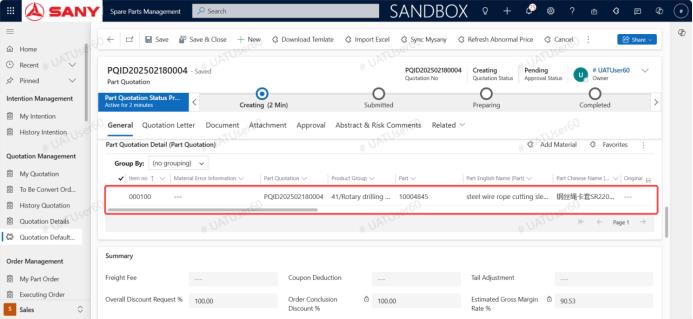
After synchronizing mysany, click Submit for approval
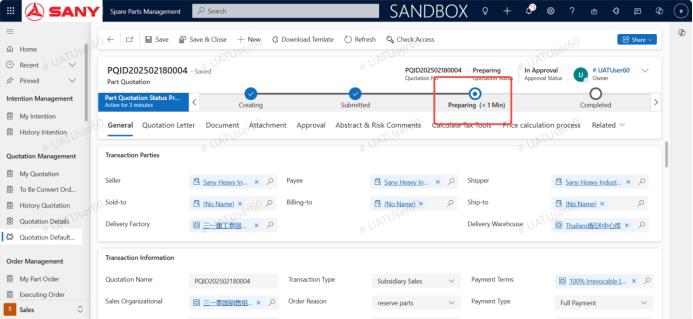
Once approved, the preparation phase begins