PartSales
Input path: Spare Parts Management --> Sales --> My quotation
Create PartSales
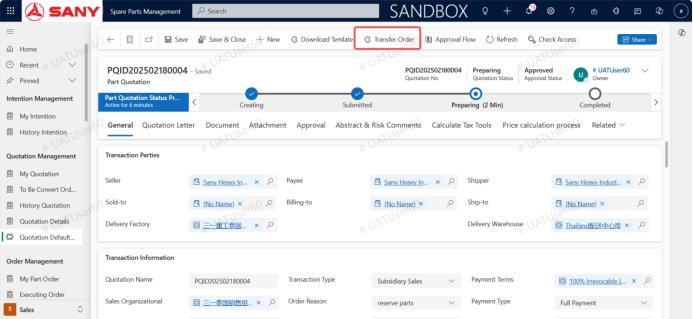
On the approved quotation, click to transfer parts order
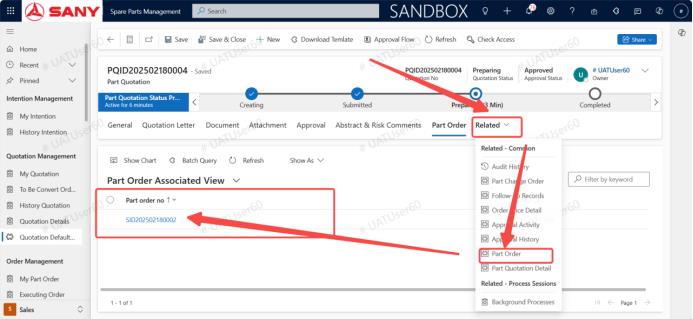
After the parts order is generated, find the parts order module in the related section and click to enter the parts order
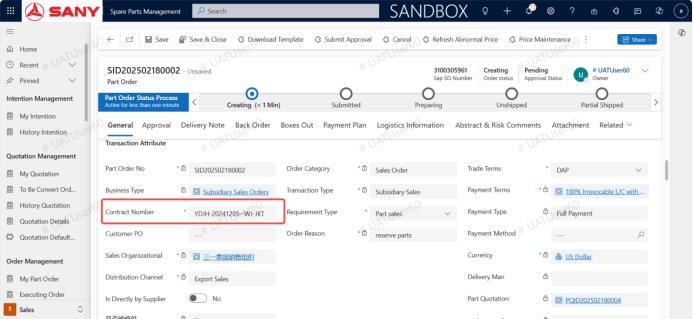
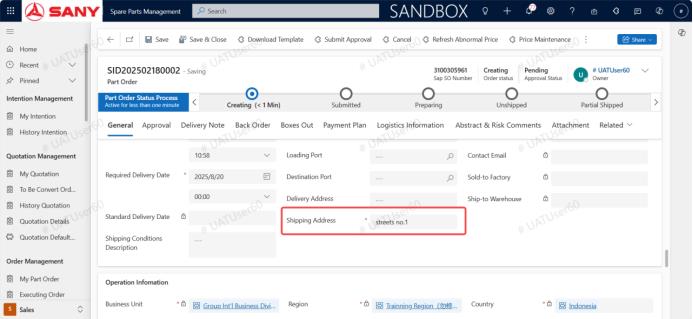
Add the contract number, delivery address, and click Submit for approval
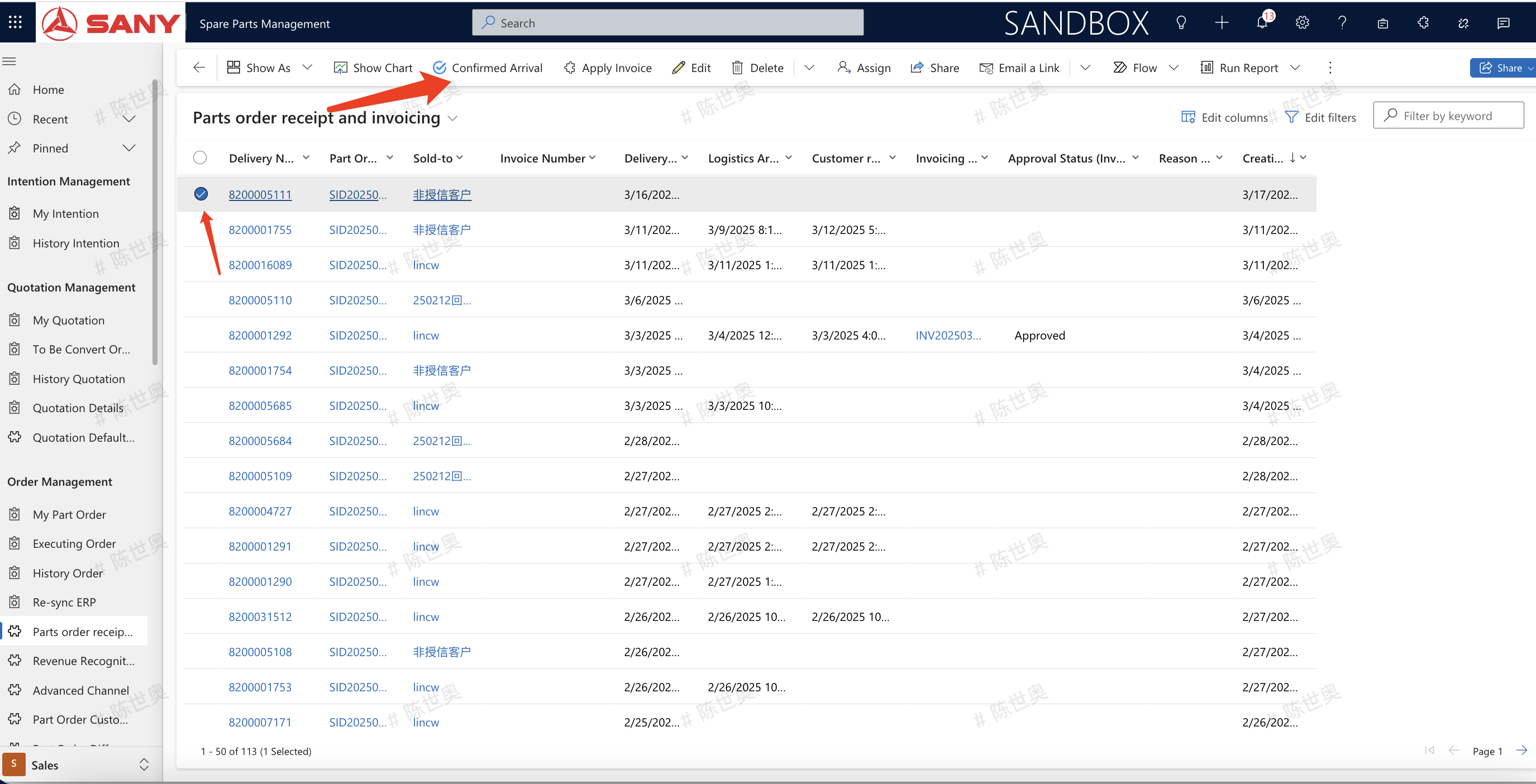
Parts order signing and invoicing
Select the order to be signed in the parts order receipt and billing, and click to confirm the arrival