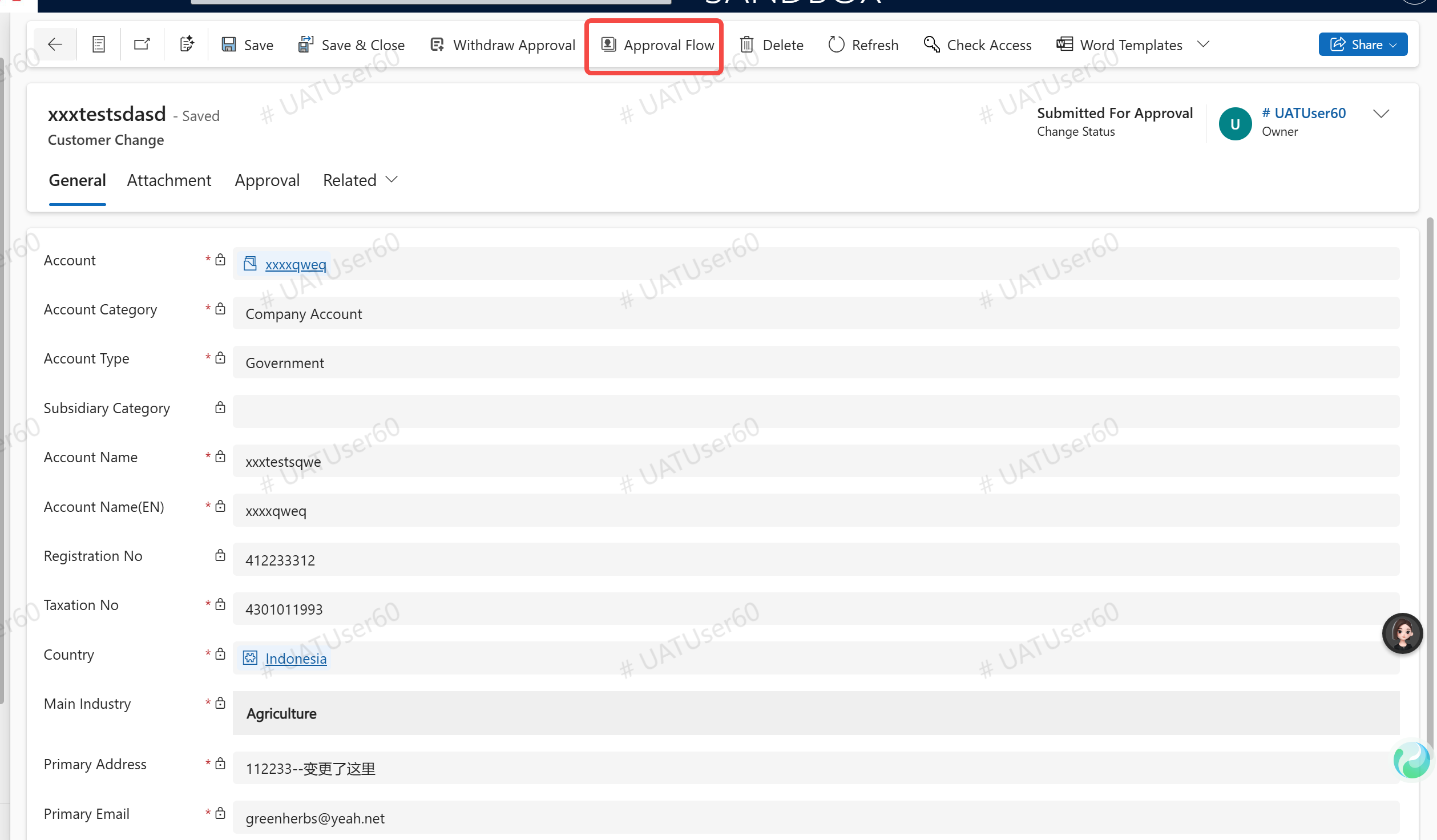
Customer change
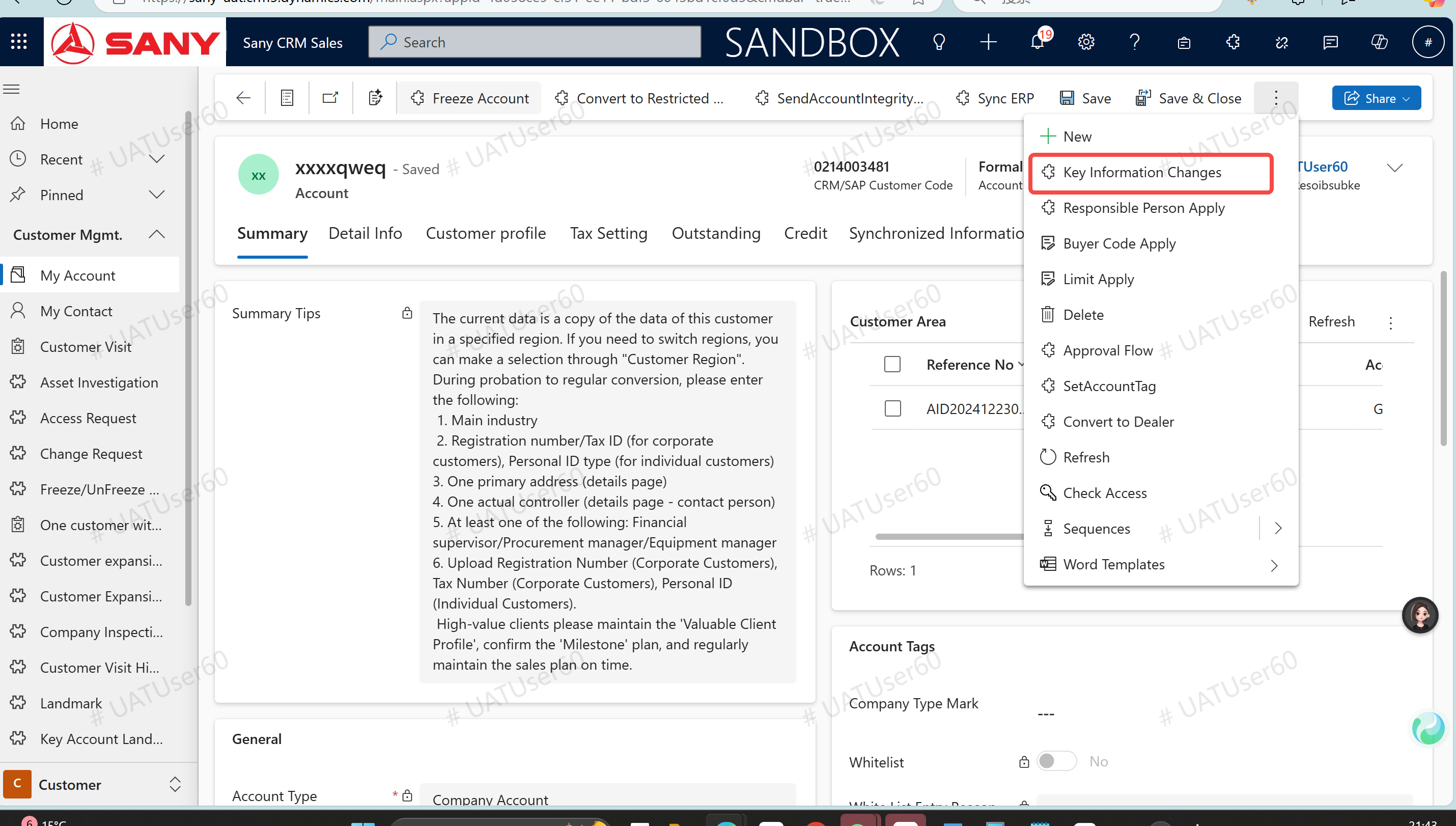
Enter path: Sany CRM Sales - > Customer - > Customer Management - > My Customer - > Double-click to open customer - > Key information change application
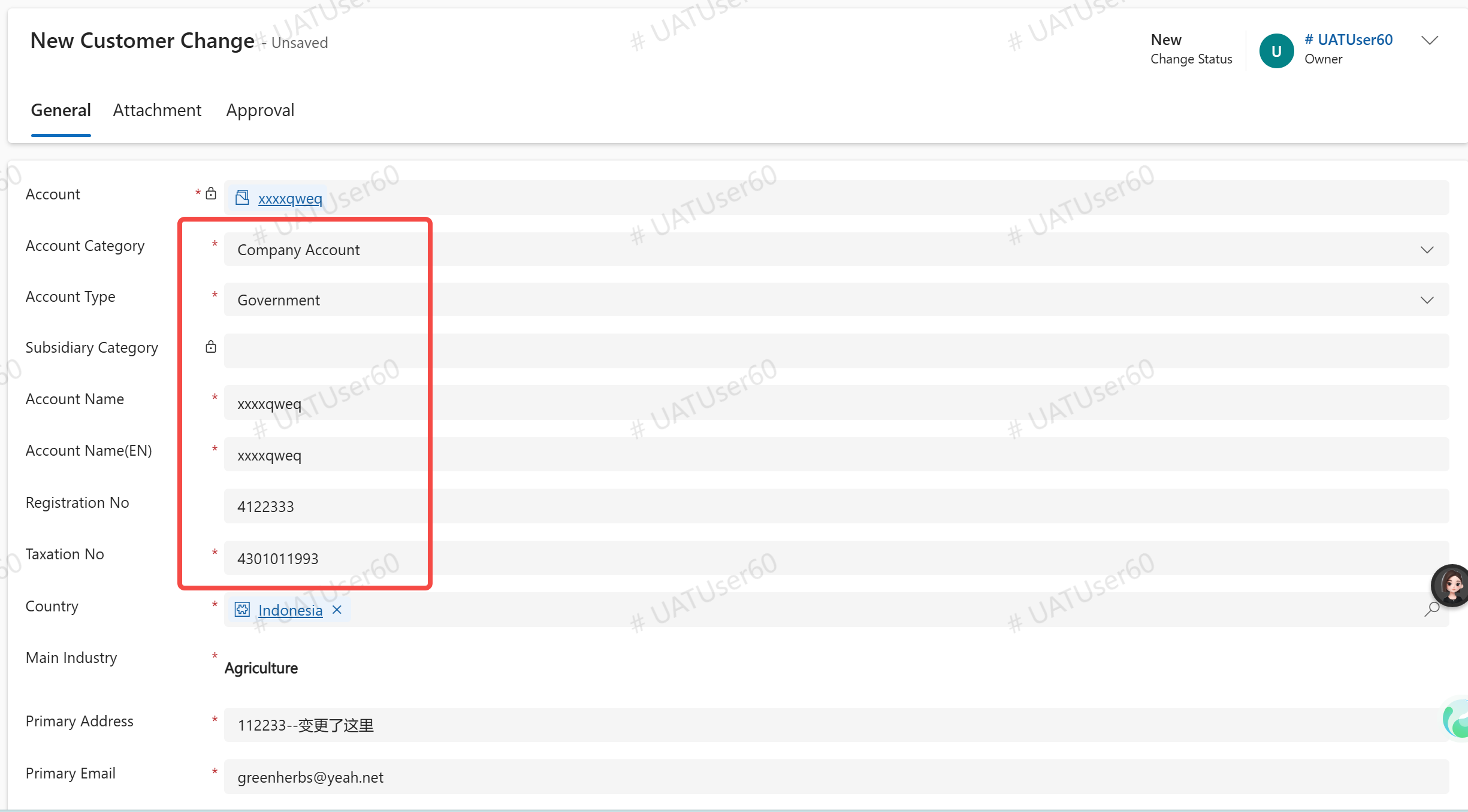
New Customer Change Order
Enter the data to be changed and click "Save".
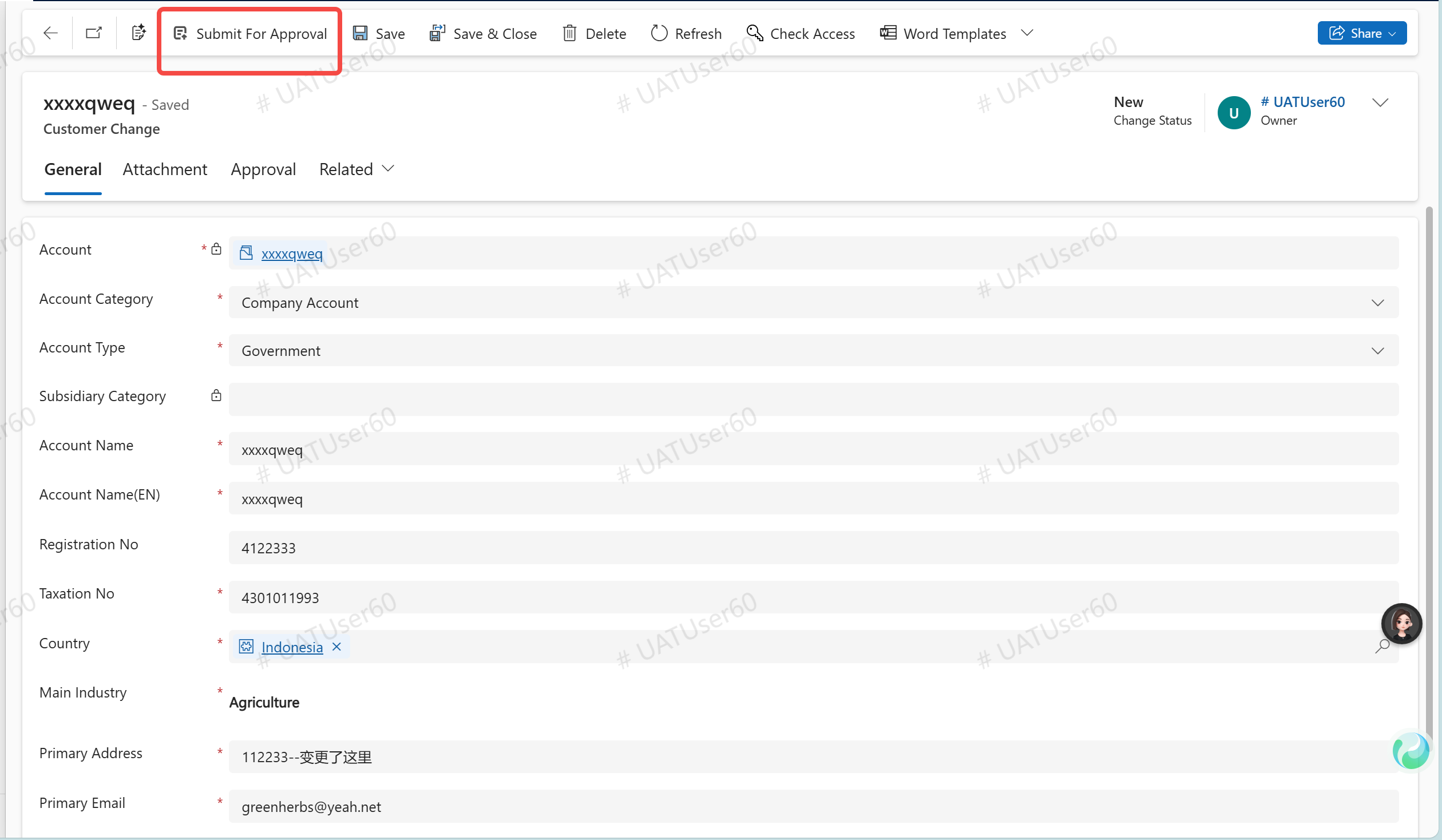
Click "Submit for approval".
Click "View BPP Approval Process", and the customer information will be automatically changed after approval.