Dealers
Dealer
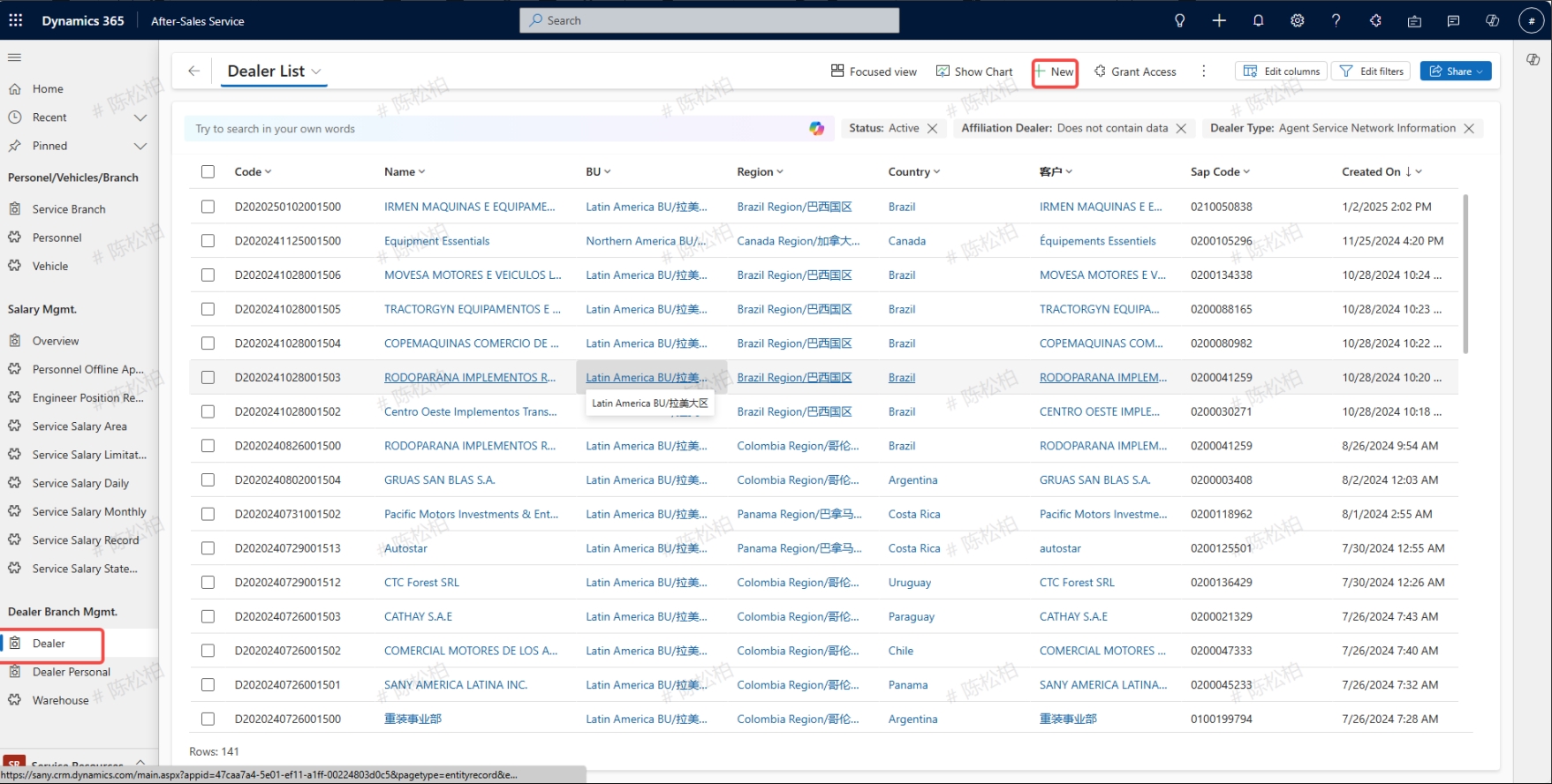
Input path: Service Resources -> Network Mgmt -> Dealer
Create a new dealer
Click on the Dealer to enter the agDealer ent's detailed page, and then select "+ New
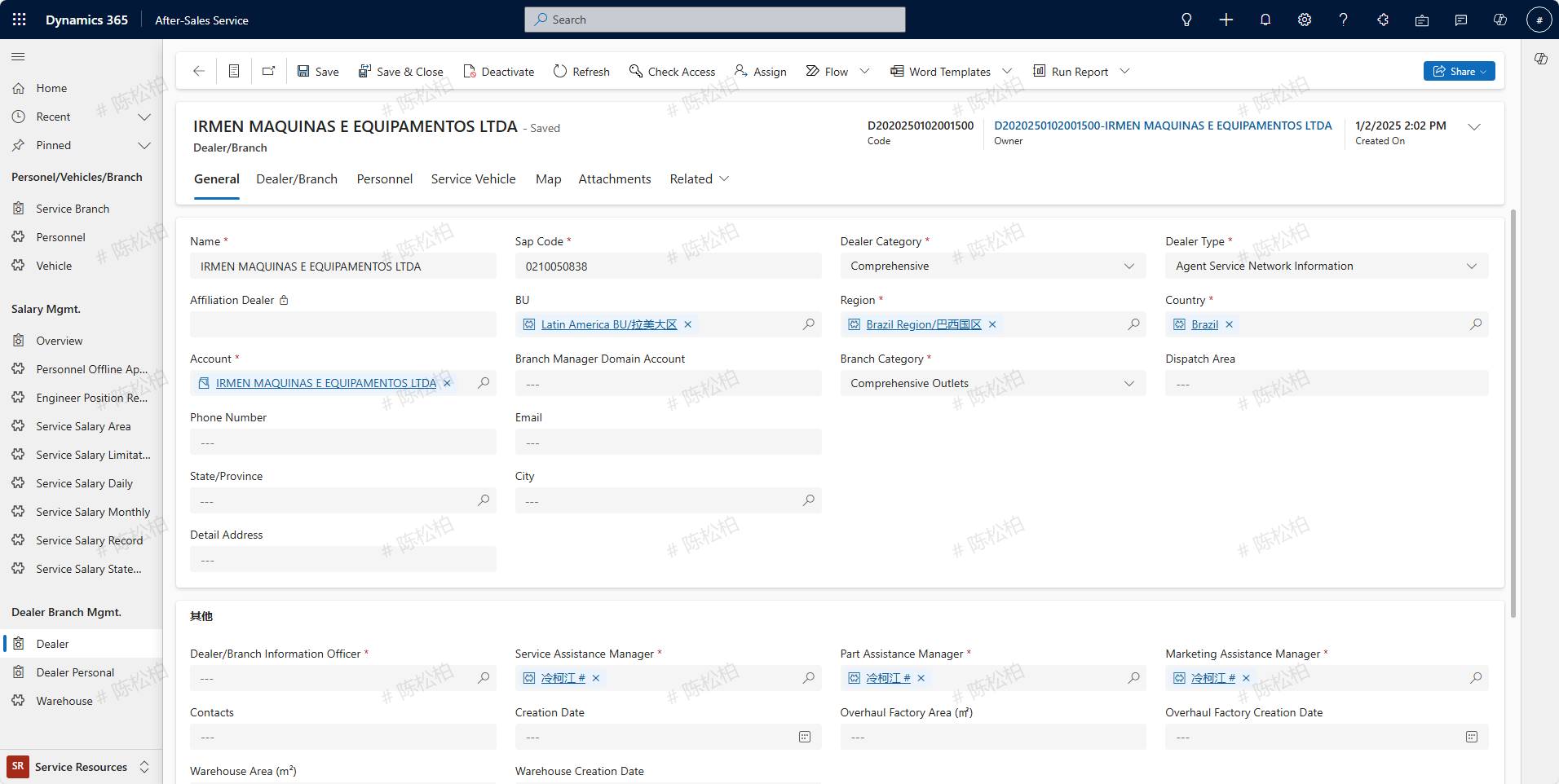
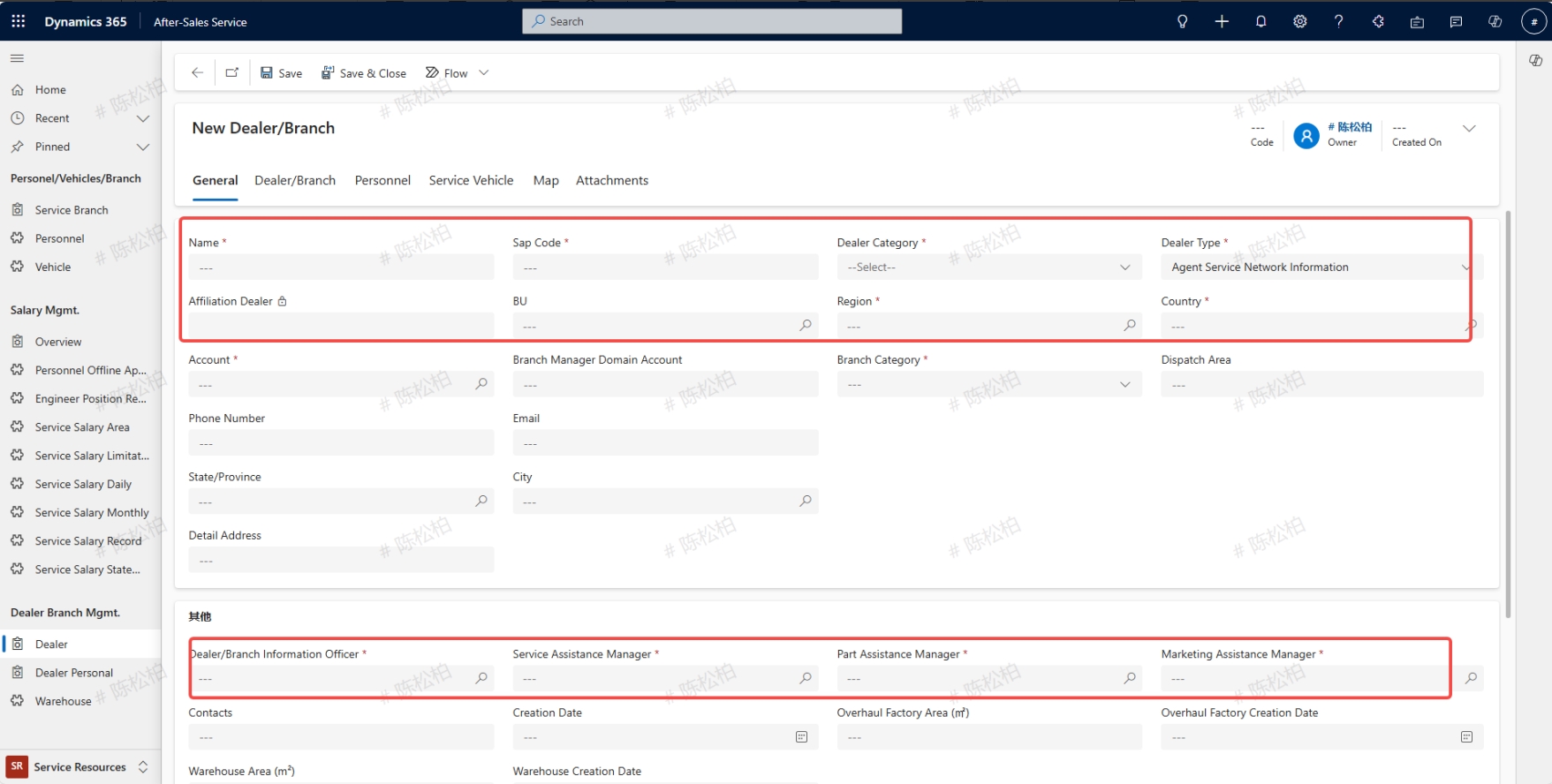
Fill in the relevant information of the Dealer network, the fields with red stars are required fields, and can only be saved after all supplements, otherwise the error report cannot be saved,Sap Code number and the customer must be consistent and belong to the same organization。
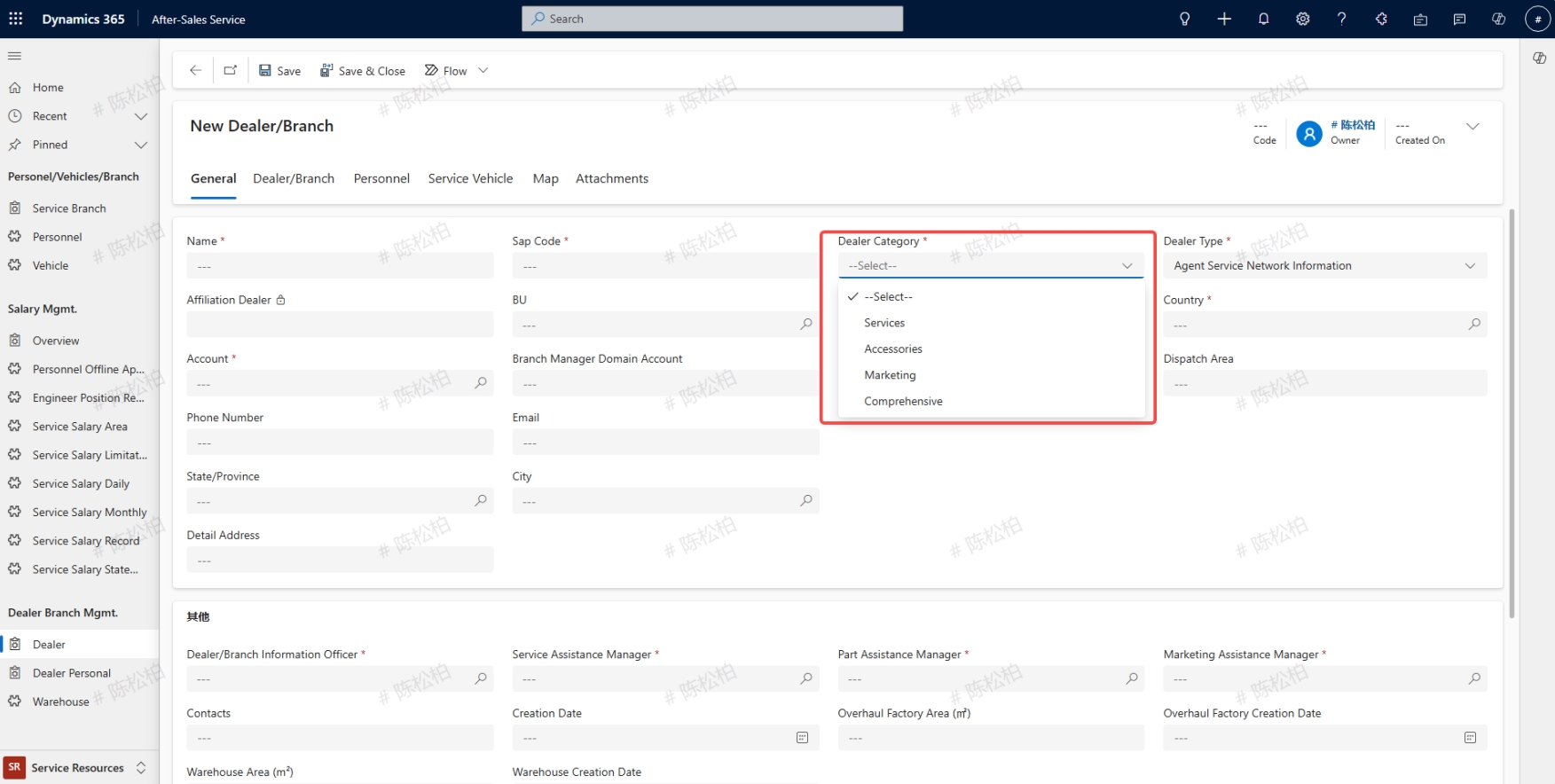
According to the actual scenarios select Dealer Category , it is divided into Services,Accessories,Marketing,Comprehensive; Type selection: For agents, choose Agent Service Network Information; Select Overseas regional service network information for direct operated national regions; The equipment of the joint venture company should be selected from the joint venture company's network (for those with the type of agent service network, only when customer data is configured here and the customer type is an agent, will it be written into the equipment master data).