Equipment
Equipment
Device Search
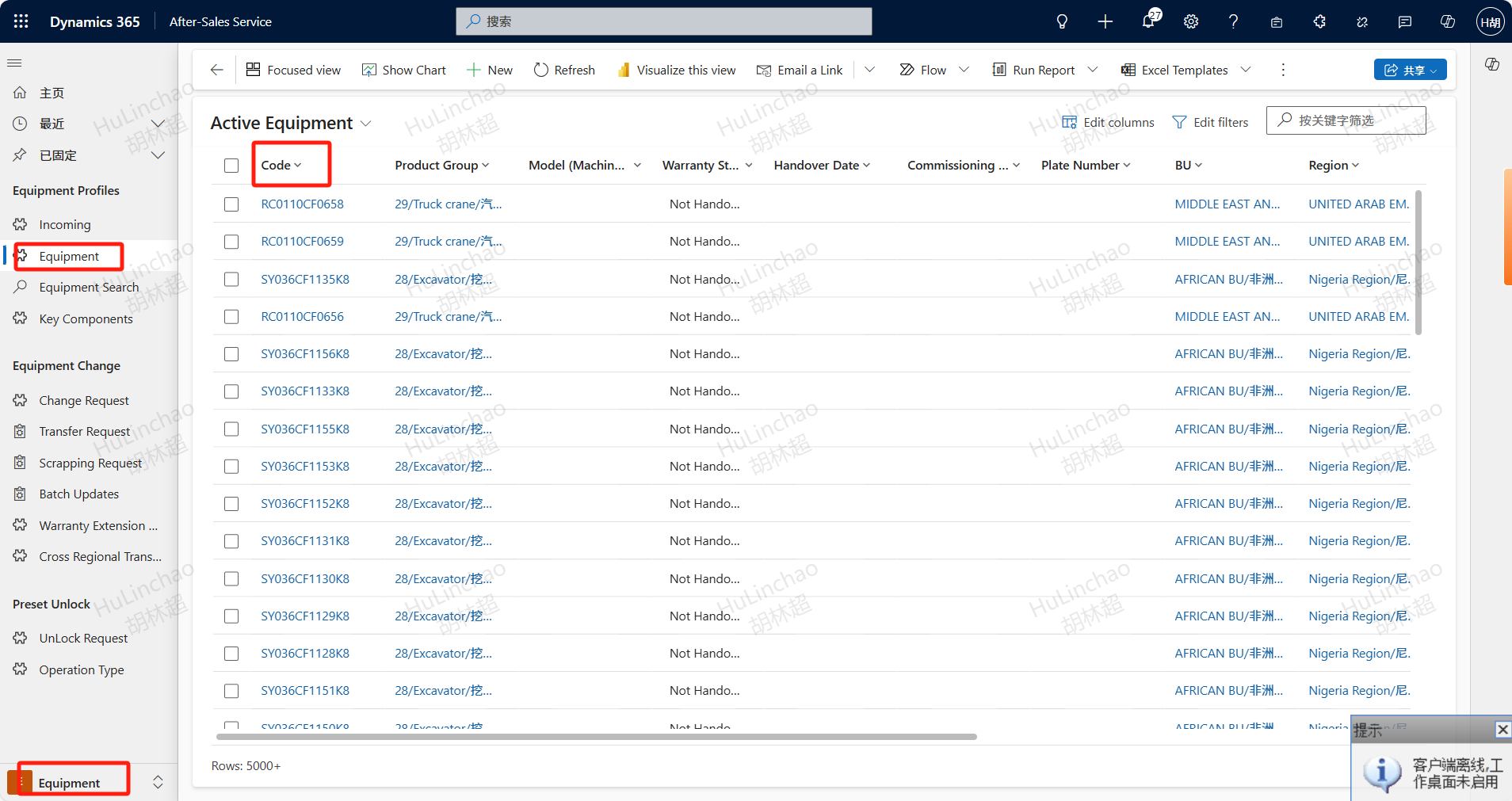
Path: Equipment -> Equipment Profiles-> Equipment
Open After-Sales Service ,Click on the Equipment menu and filter by device code,Double-click to enter the device details and view specific information about the device。IT maintenance personnel can view all devices within the data center,Service Managers/Service Operations Managers/Service Engineers can only view devices in their respective regions。
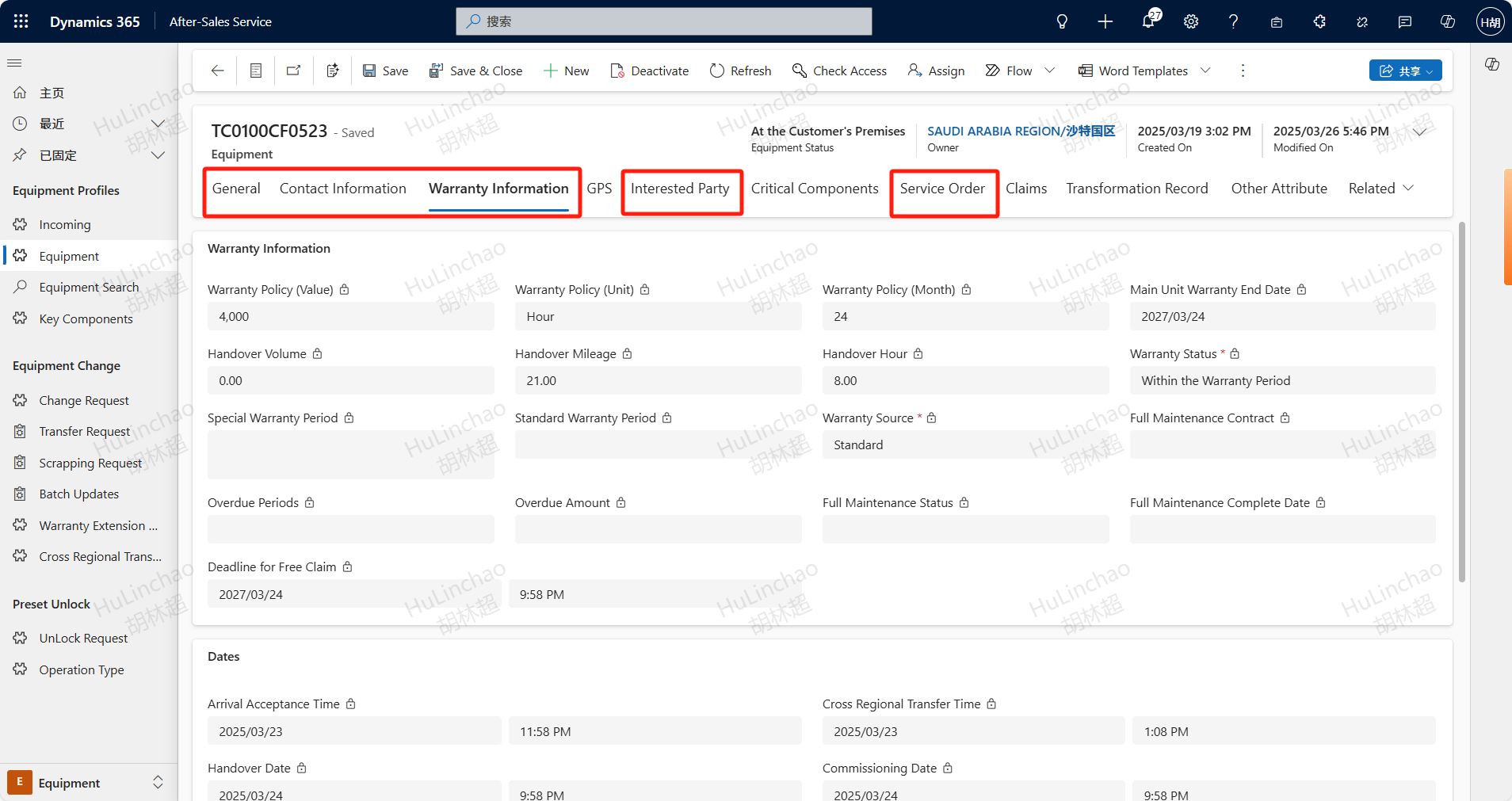
View Details
In the Equipment information, you can view the device warranty information under the Warranty Information tab, check if the device is an dealer's device in the Interested Party tab, if Service Dealer has a value then the equipment belongs to the dealer, and see the service tickets already initiated for the device under the Service Order tab.