Stock Inspection
Stock Inspection
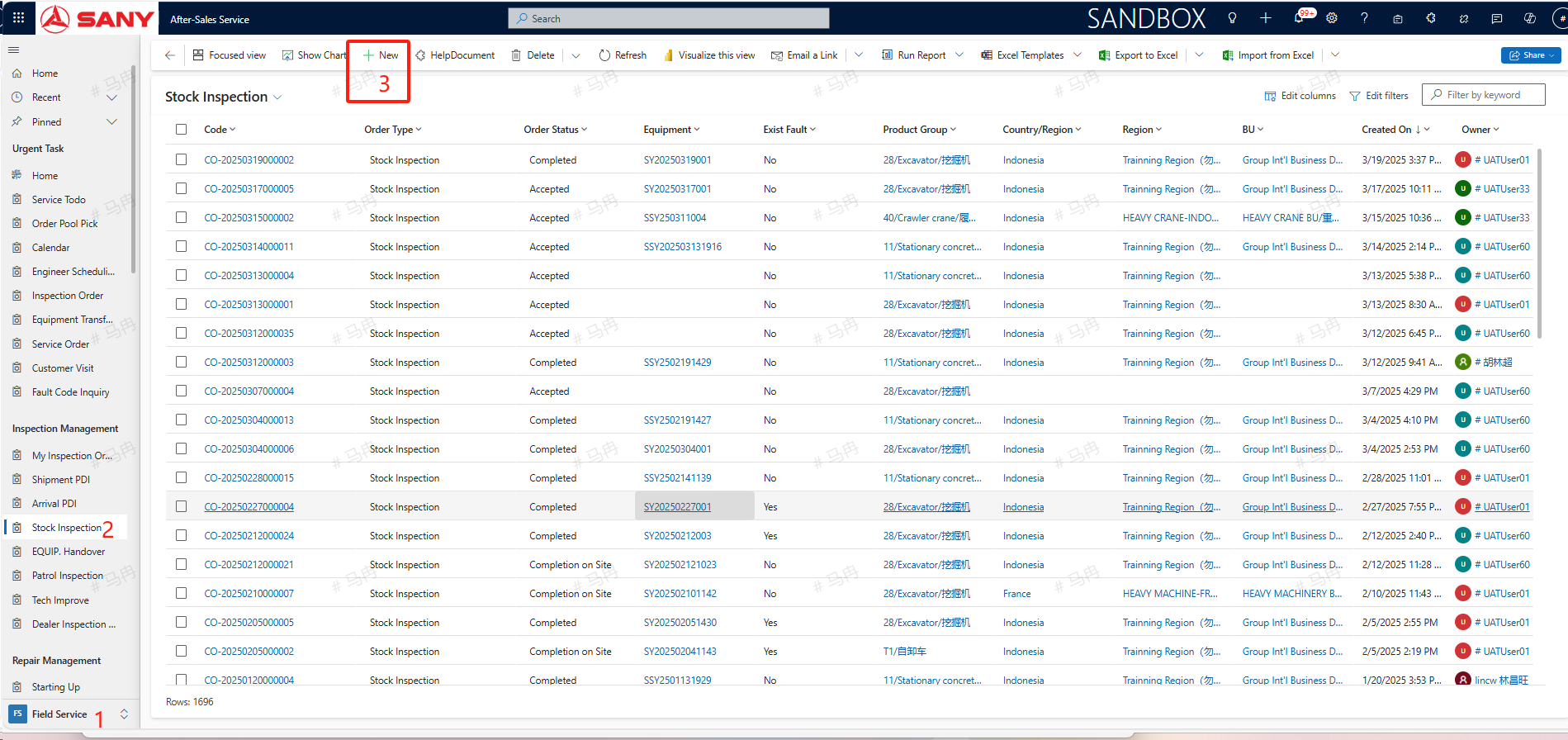
Path: field Service->Inspection Management-> Stock Inspection
Create
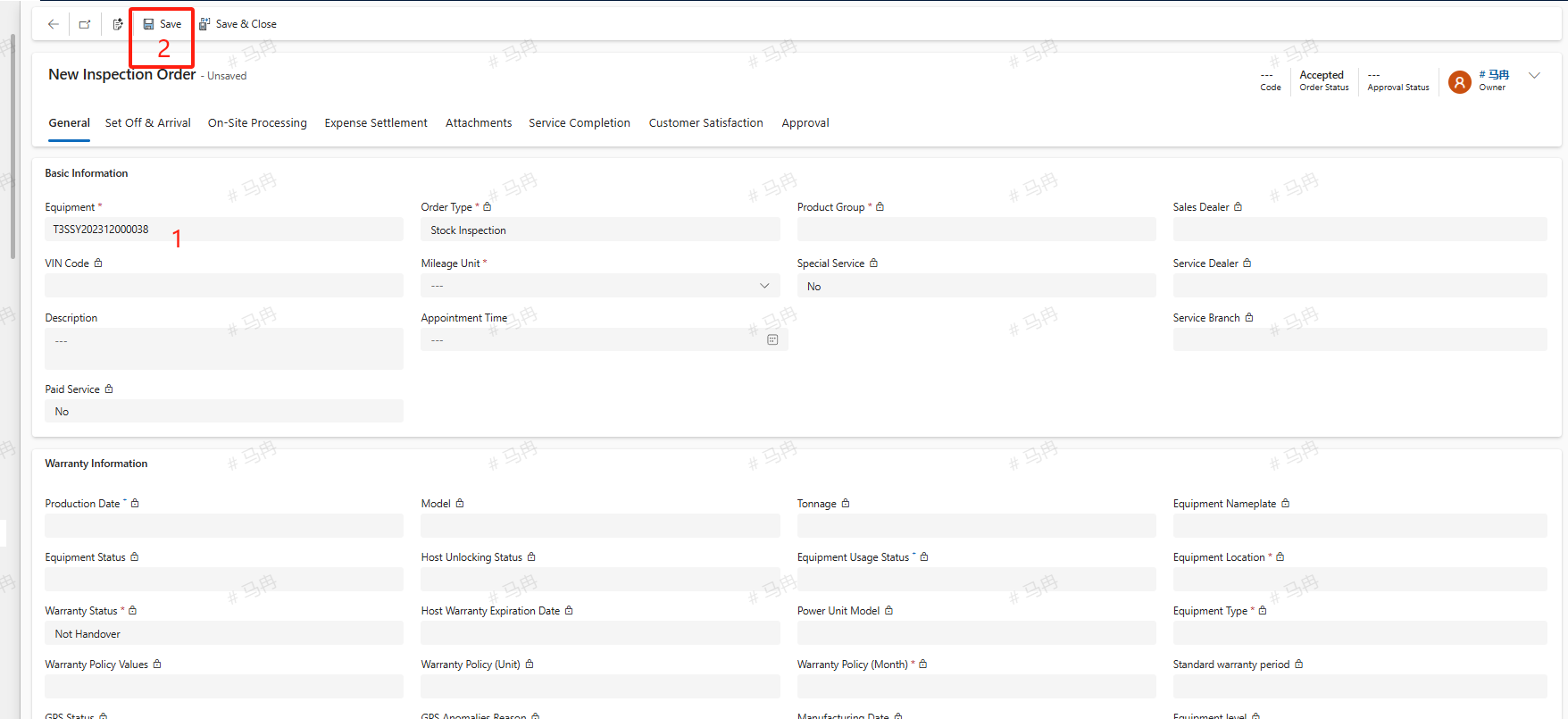
The service engineer locates the Stock Inspection order menu, clicks the +new button, enters the necessary information such as equipment details, and then clicks the save button to create a Stock Inspection order.
Transfer
For an Accepted Stock Inspection order, the service engineer can click the Transfer button, enter a remark or explanation, search for the service engineer to whom the task needs to be transferred, and upon confirmation, transfer the work order to another service engineer.
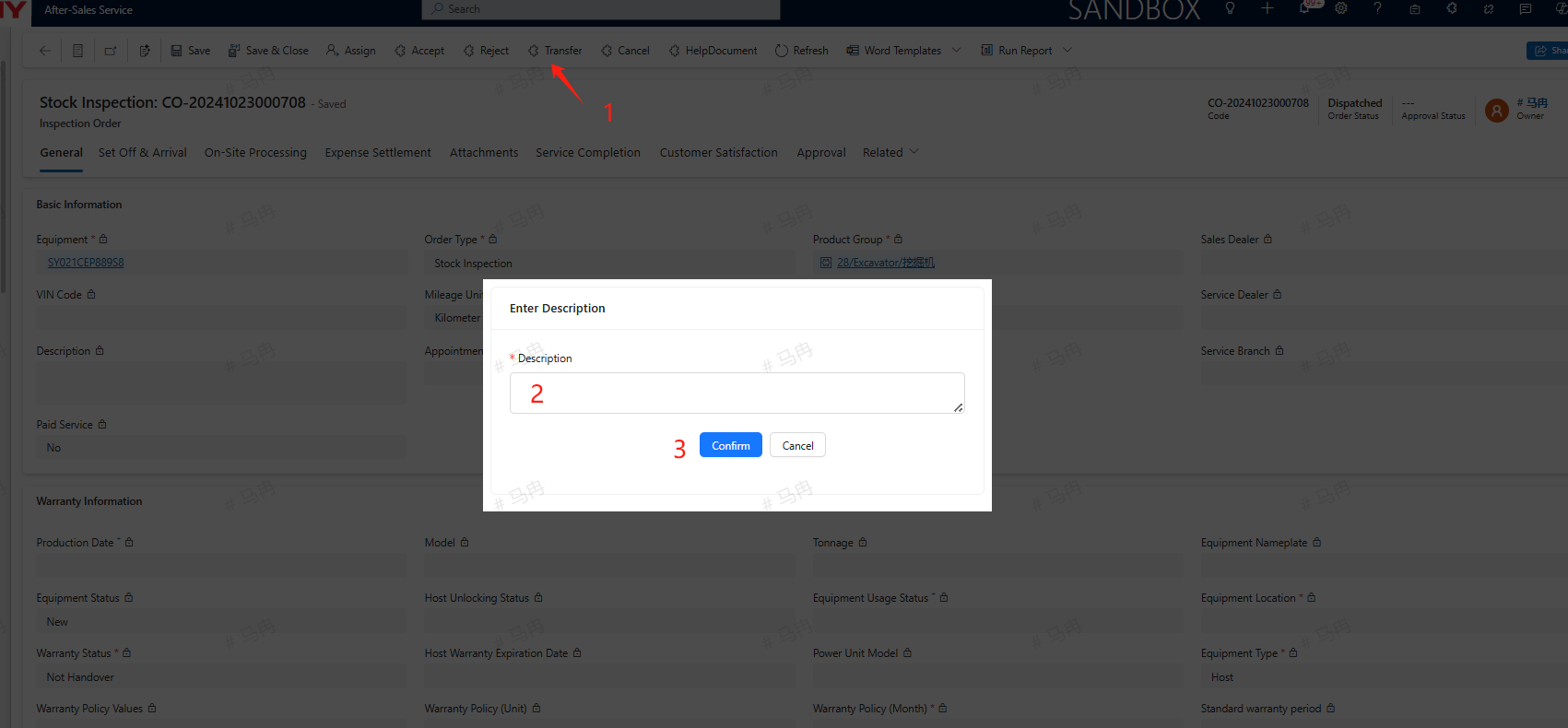
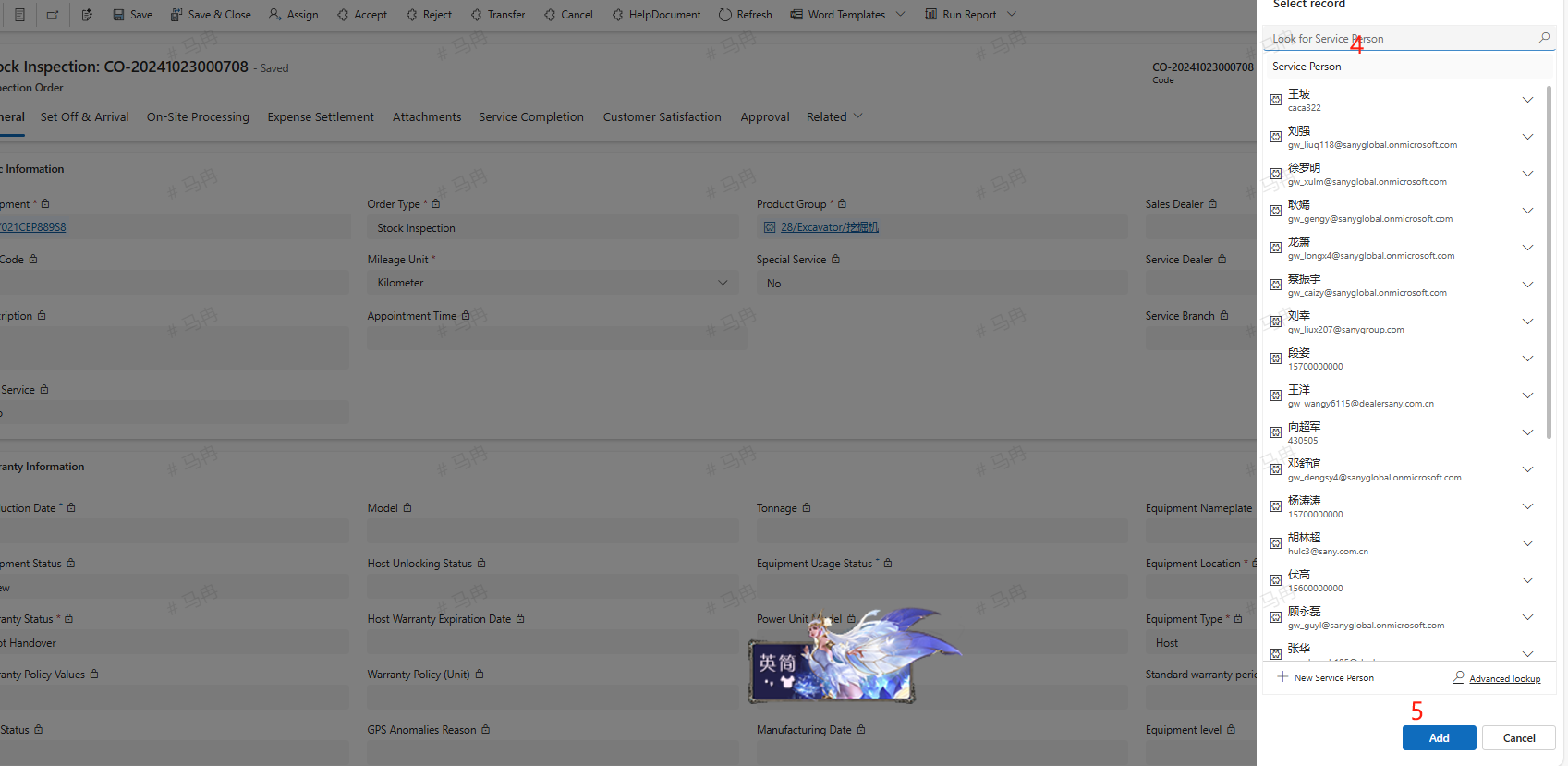
For service engineers who have been assigned or transferred a work order, they can either reject it by clicking the Reject button or, after rejection, the service manager will reassign the order.
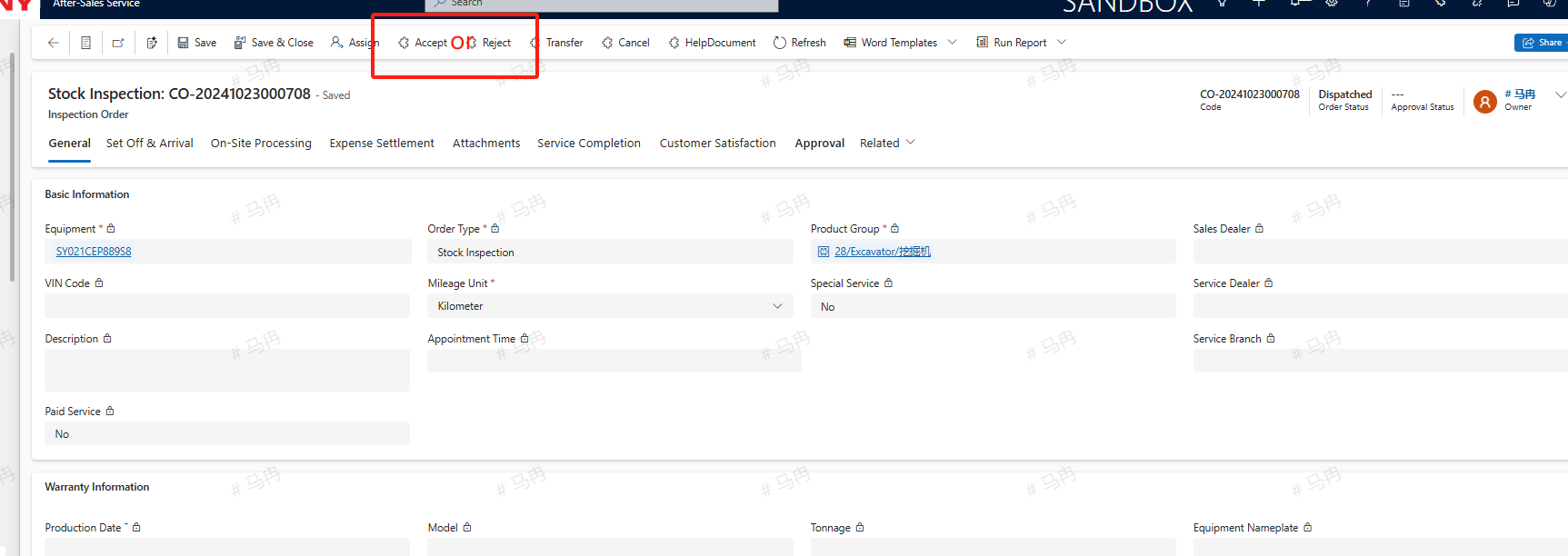
cancel
Before Completion On Site, if a Stock Inspection order no longer requires service, the engineer may click the cancel button to terminate the service for this particular order.
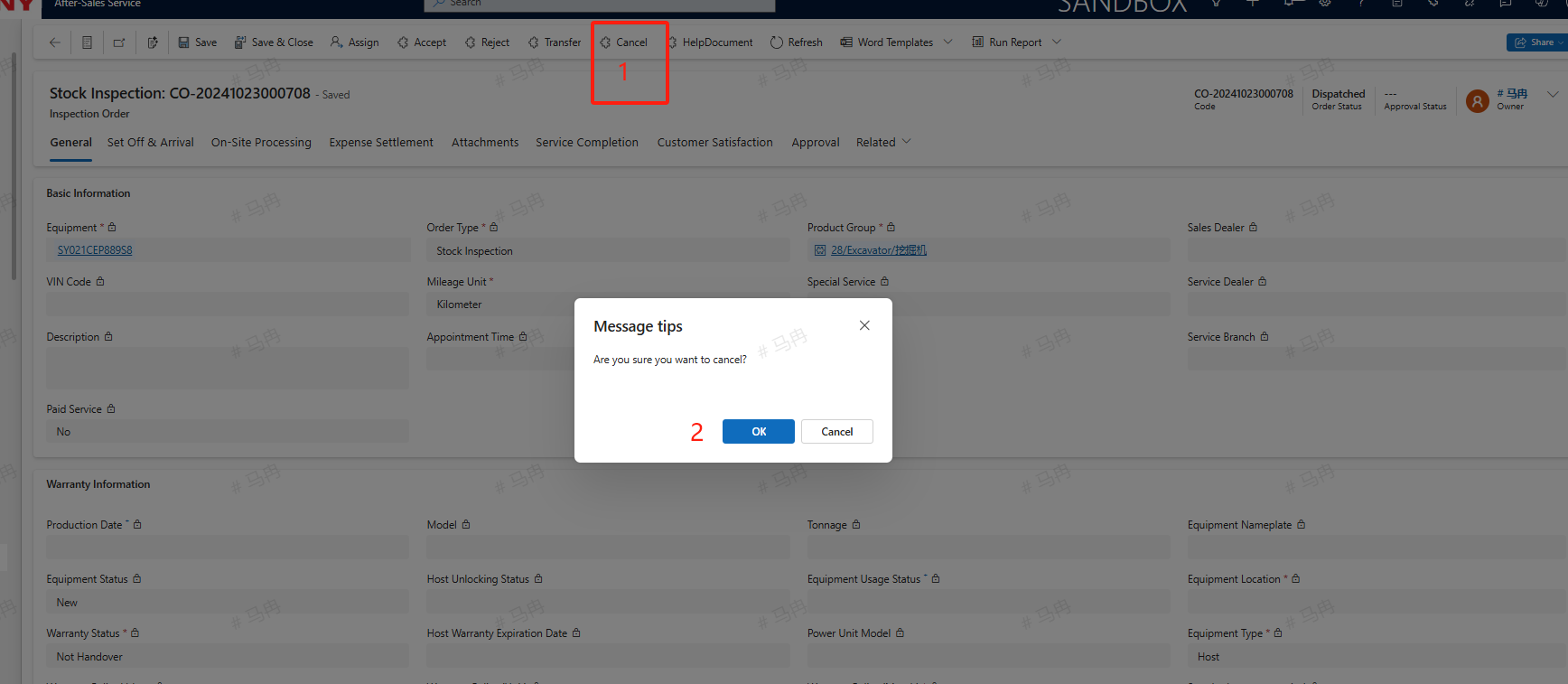
On-Site Processing
The newly created Shipment PDI is by default in the 'arrived' status. Switch to the On-Site Processing tab and proceed with the inspection according to the Search Results. If there is a need to add new inspection items, click the +New Inspection Order Check Item button to create a new inspection order check item. In the completion information, if there are values for Current Operating Hours, Current Driving Mileage, and Current Operating Volume, fill them in the corresponding entries. After completion, click the SAVE button.
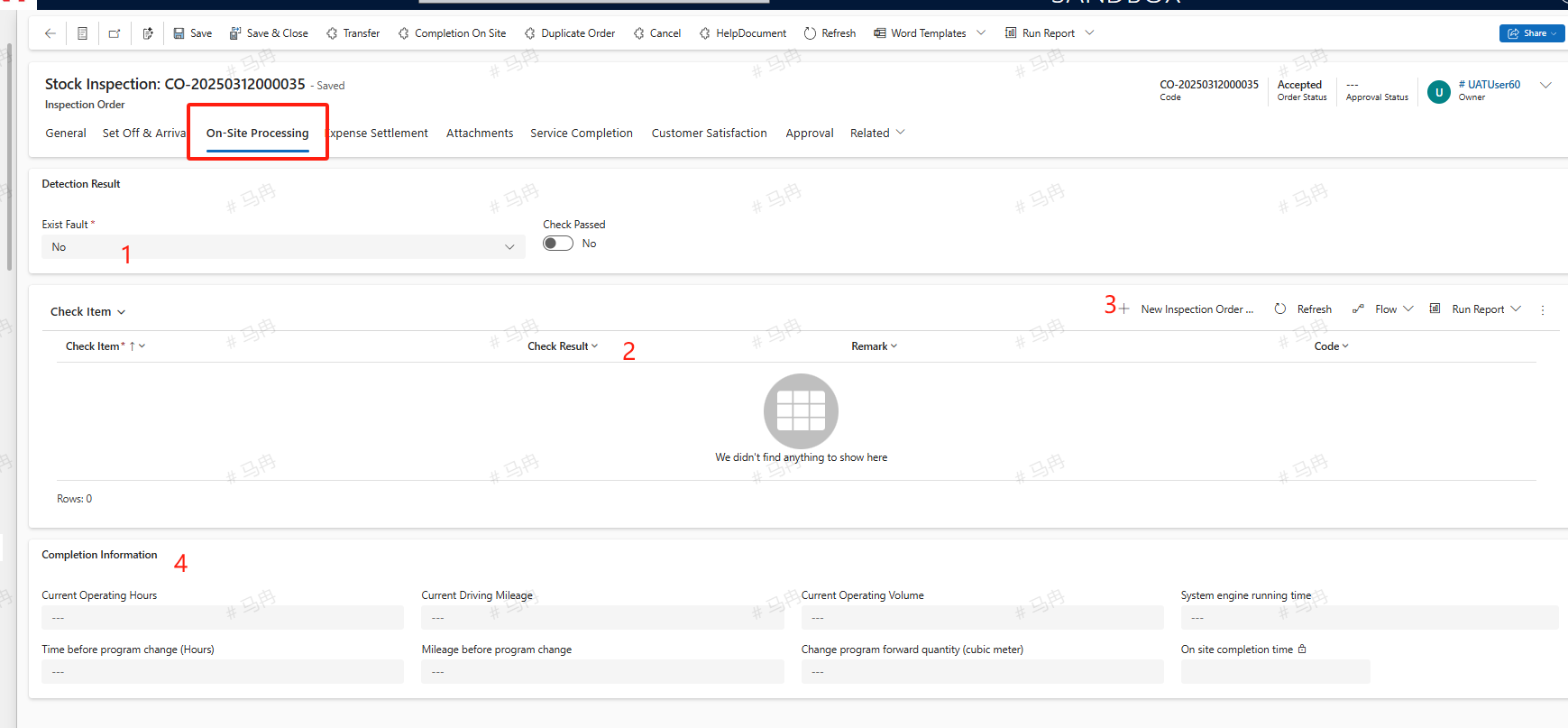
Exist Fault
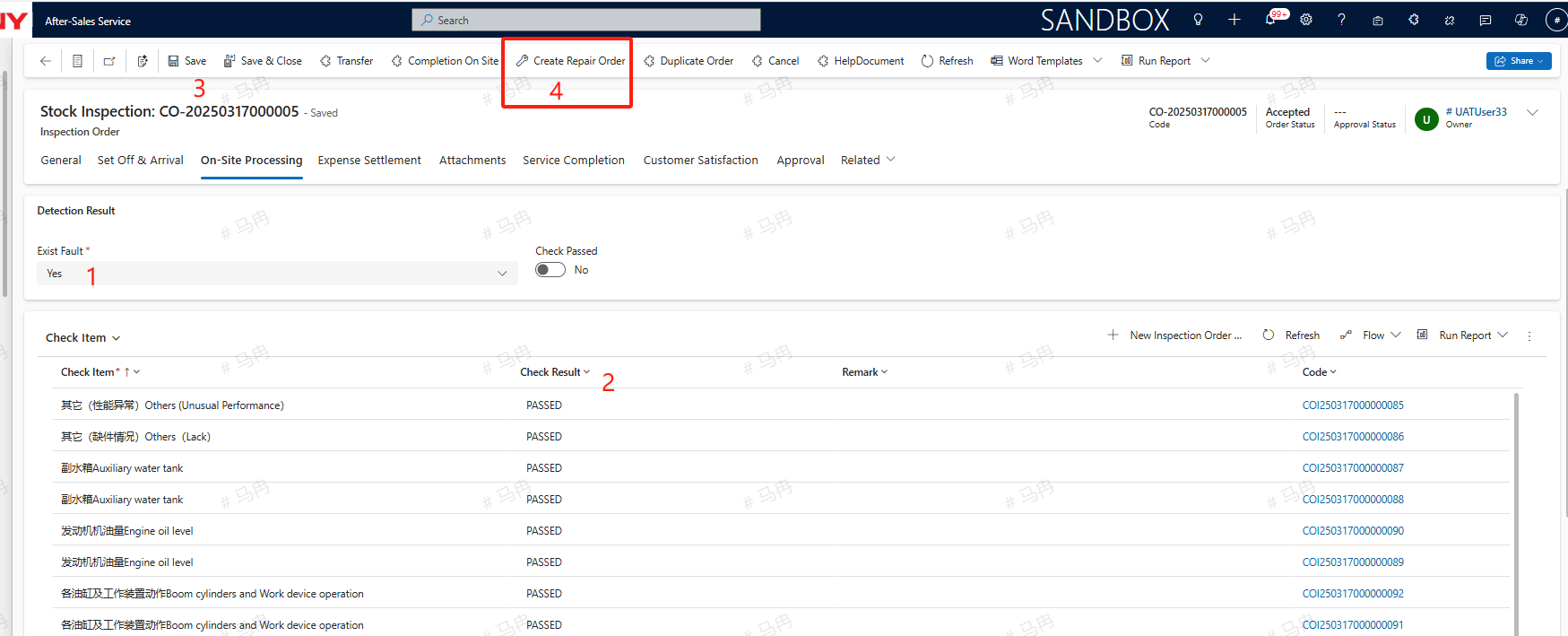
If an issue is detected with the equipment and a fault is present, select 'Yes' for the fault option and choose 'Fail' for the corresponding inspection item's result, then click the save button. At this point, a 'Create Repair Order' button will appear; clicking this button will allow you to create a maintenance work order.
Service Completion
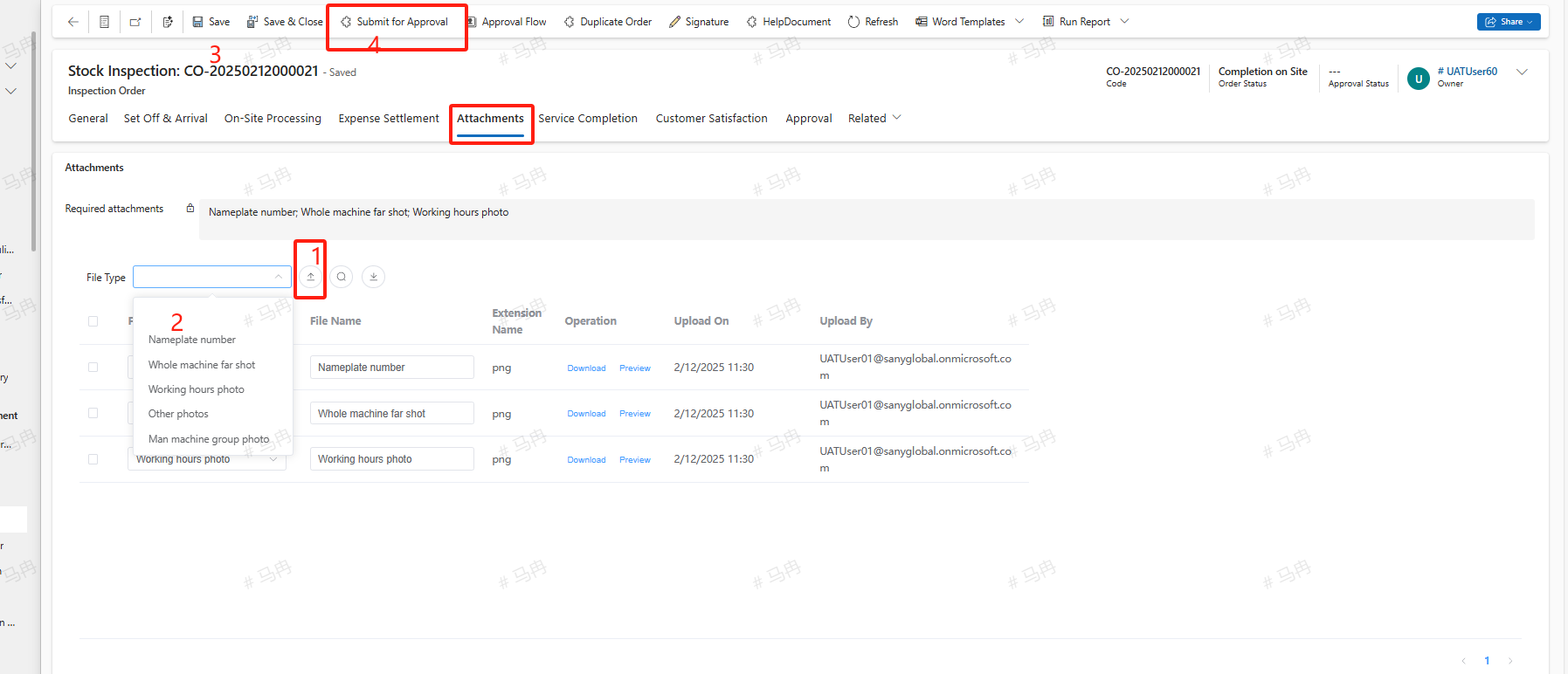
Switch to the Attachments tab and upload the necessary File Type for the shipment pre-acceptance. After uploading, save and click Submit for Approval to submit the Completion of service for approval. If a Create Repair Order has been initiated, it is mandatory to first complete the Repair Order Completion of service before submitting the Arrival PDI's Completion of service for approval.